Amplify Math & Desmos Integration
Designing a math-native experience inside a curriculum app built for ELA.
-
Amplify's Curriculum App was originally built for ELA, then stretched to accommodate Science — but it was never designed with Math in mind. When Amplify partnered with Desmos (at the time a separate company, prior to their 2021 acquisition) to bring Desmos's tools and components into the Amplify Curriculum App, there was no existing model for what that integration should look like.
Nearly every piece of the experience had to be defined from scratch: how Desmos components would fit into the content hierarchy, how teachers would orchestrate Desmos-powered lessons, how an item bank would work for Math-specific content, and what scoring, reporting, and recommendation systems would need to look like for a math product layered onto an ELA-built foundation.
-
I was the lead designer driving this integration — responsible for defining what a Math-native experience could look like inside a platform that had never supported one.
Conducted initial research and design exploration to understand how Desmos's tools and components could integrate into the existing Curriculum App architecture
Defined the content hierarchy for Math content within a system originally structured for ELA
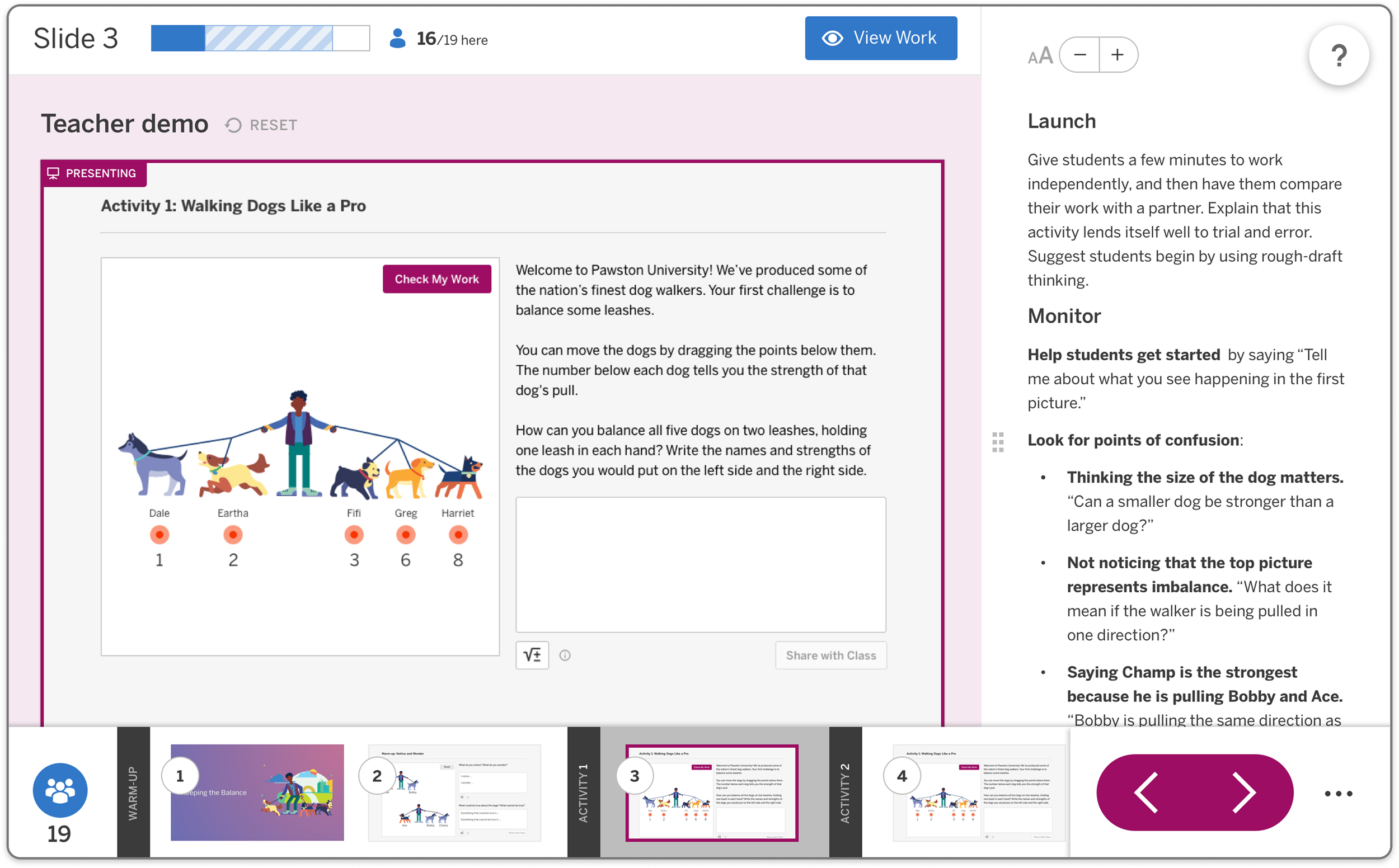
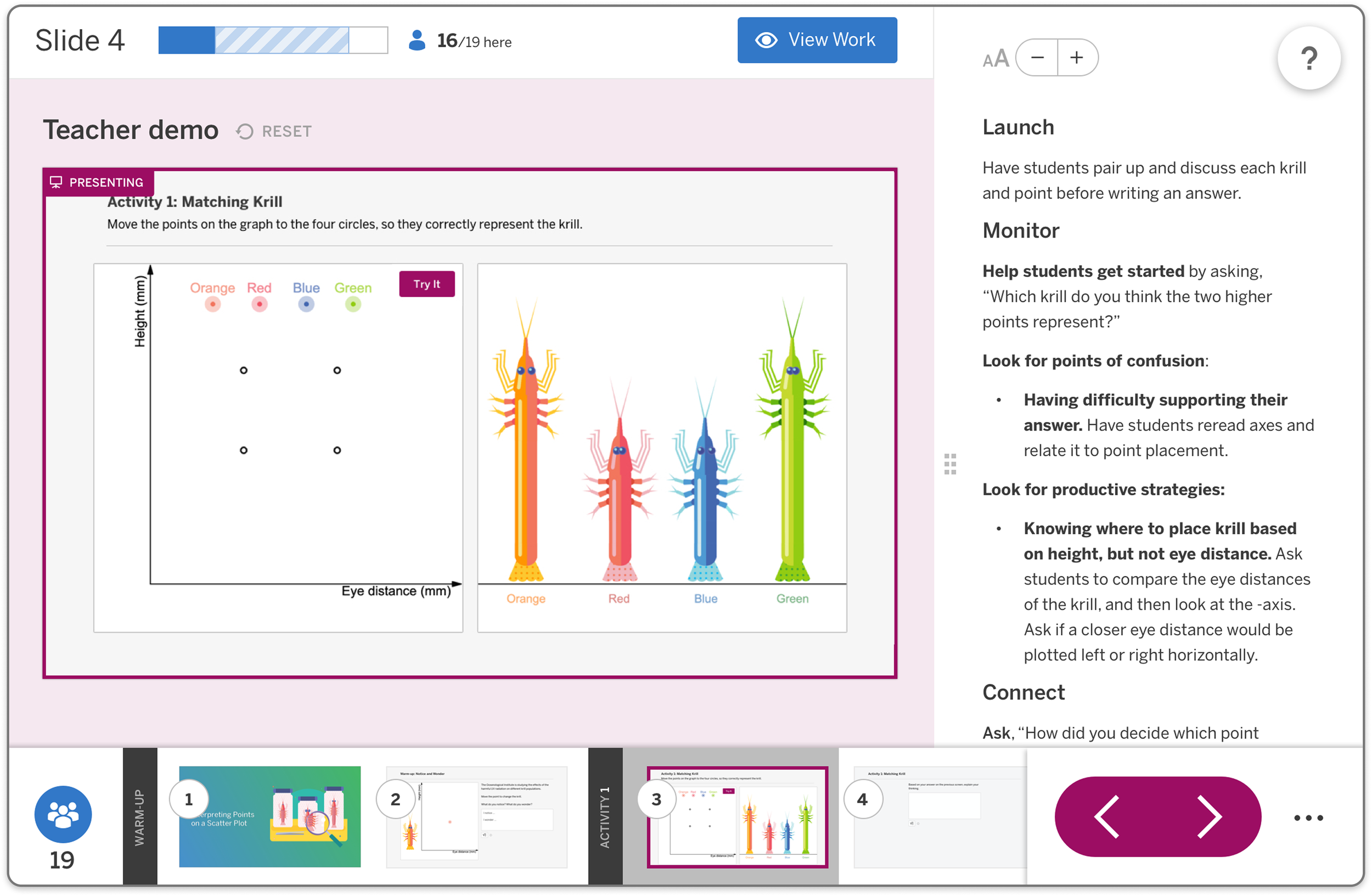
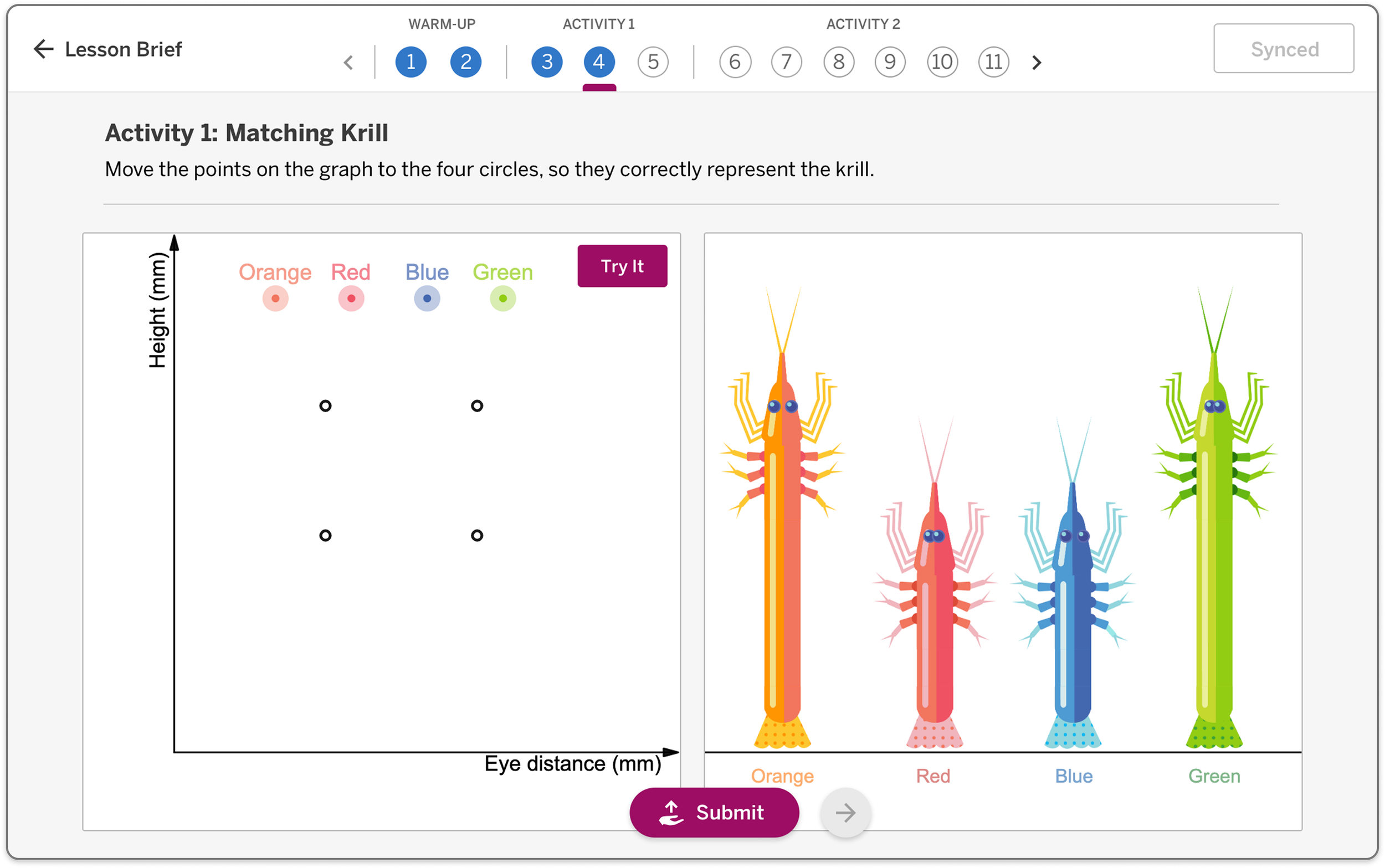
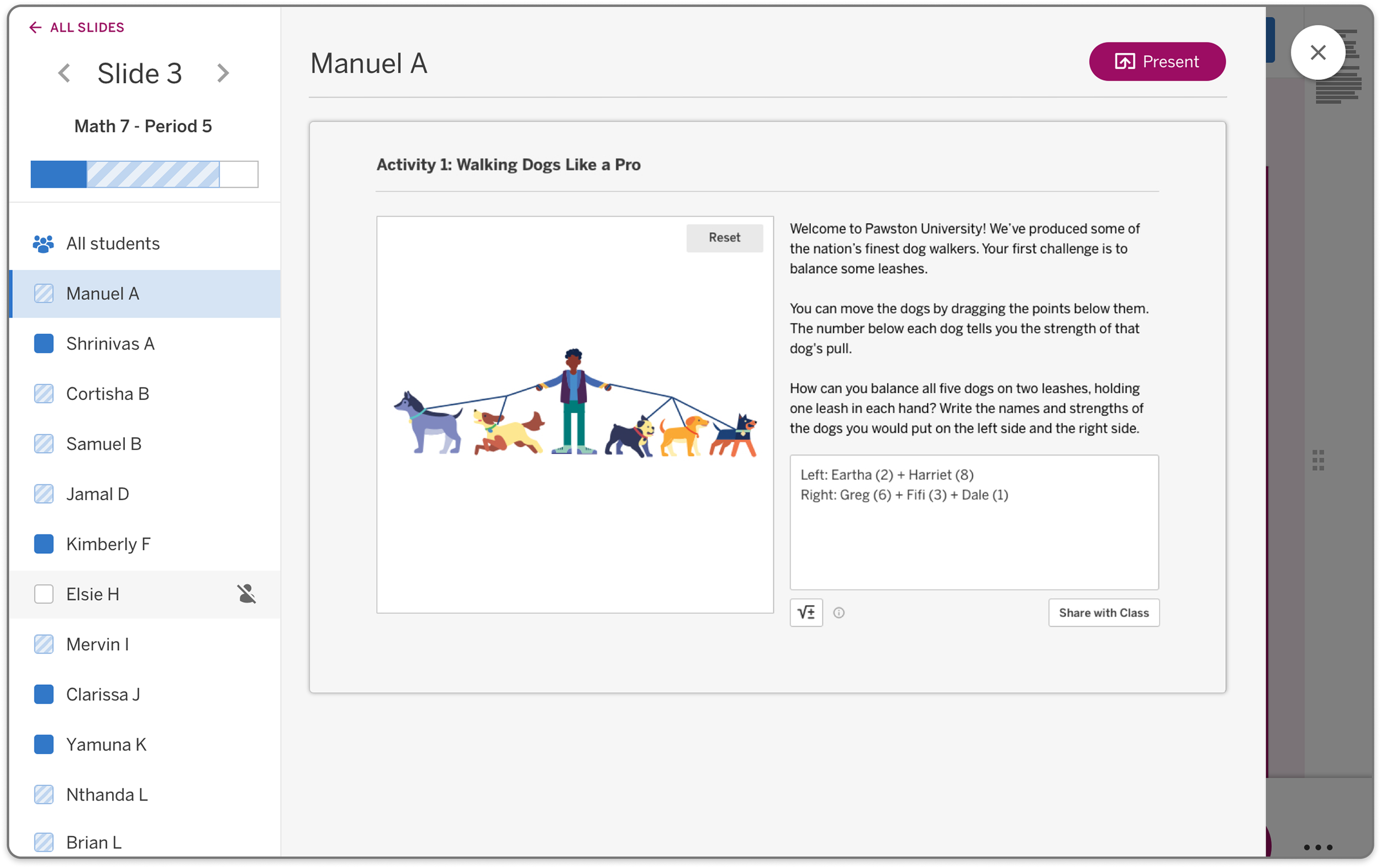
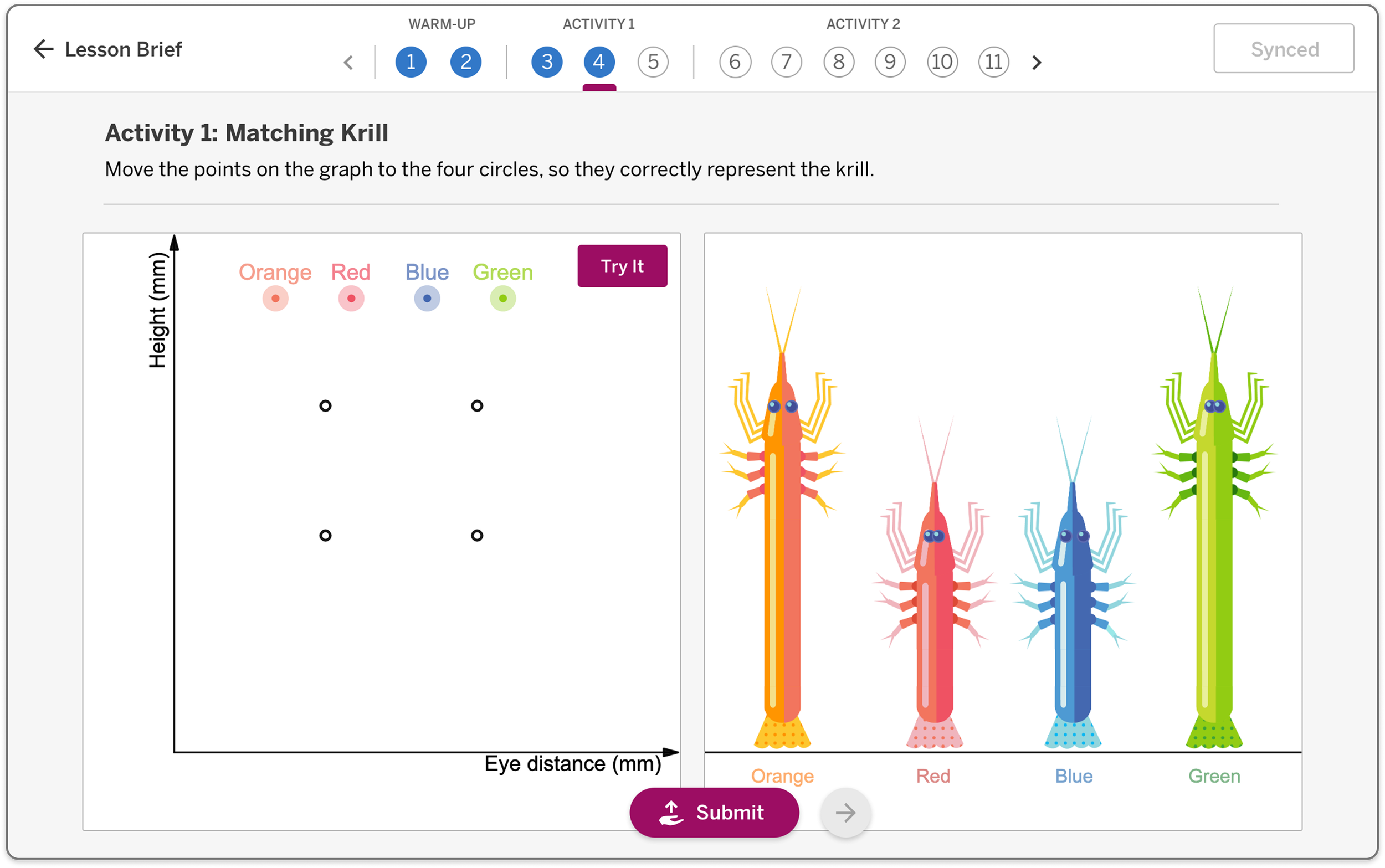
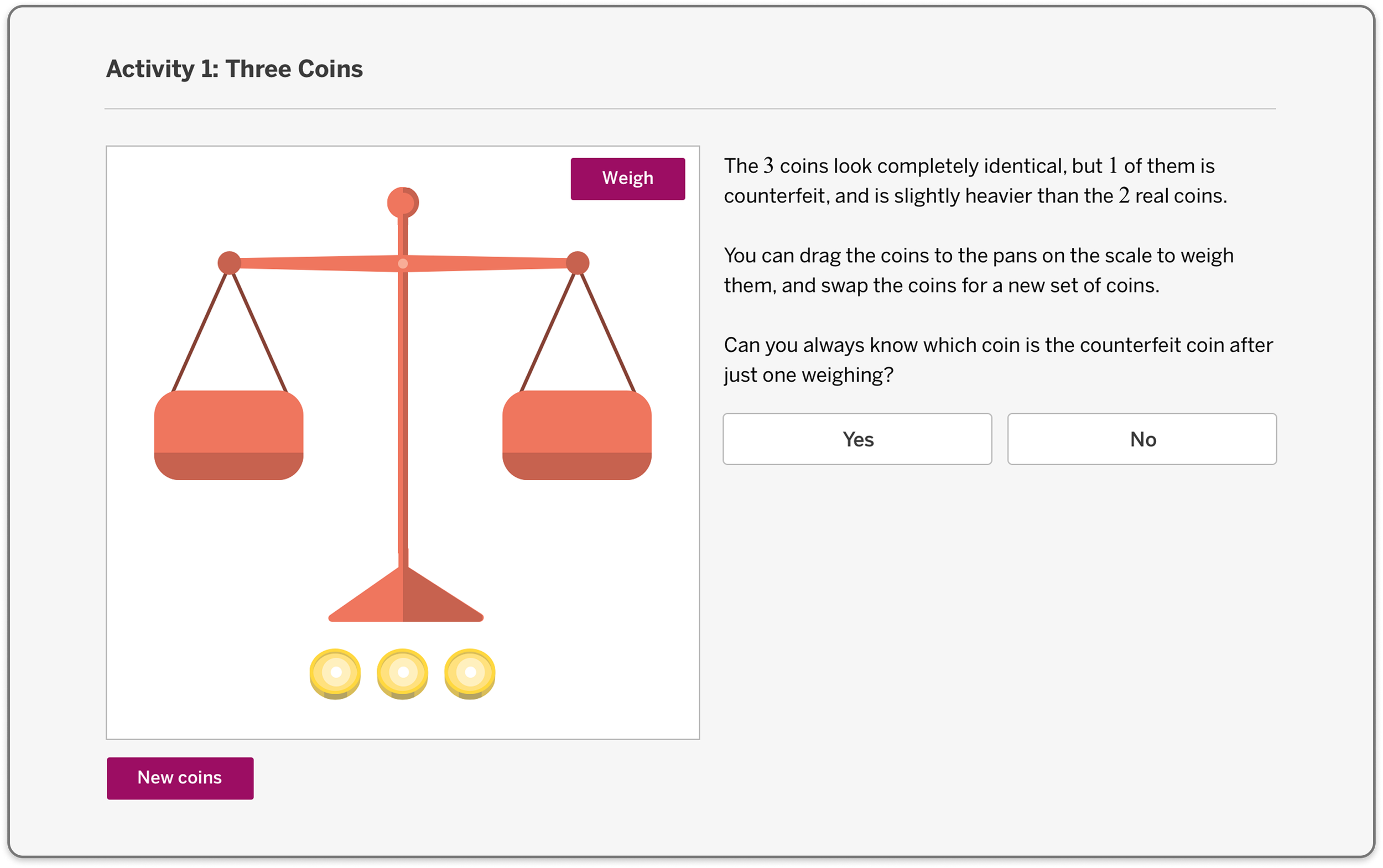
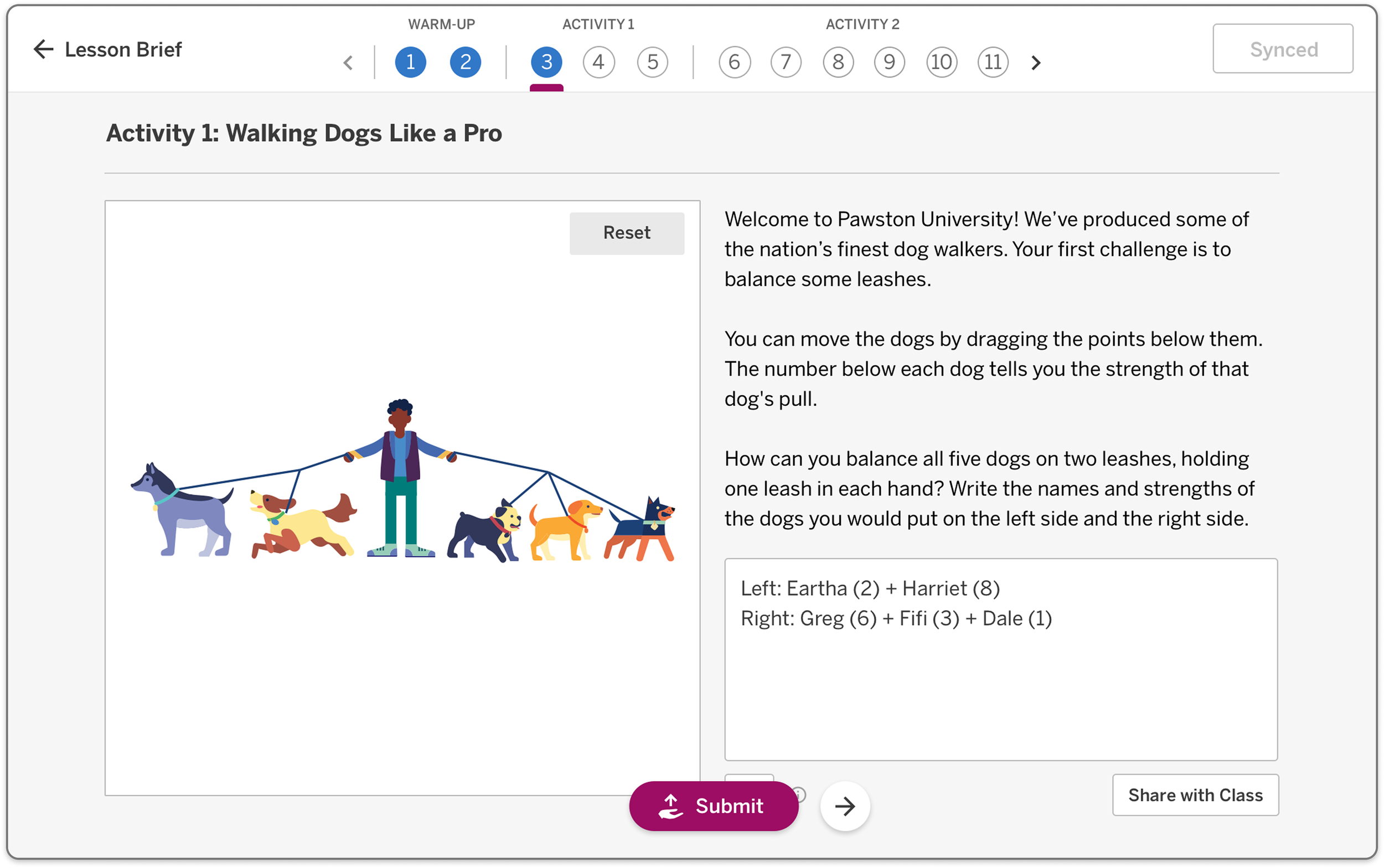
Designed the digital teacher and student lesson experience, including how Desmos tools would surface within lessons
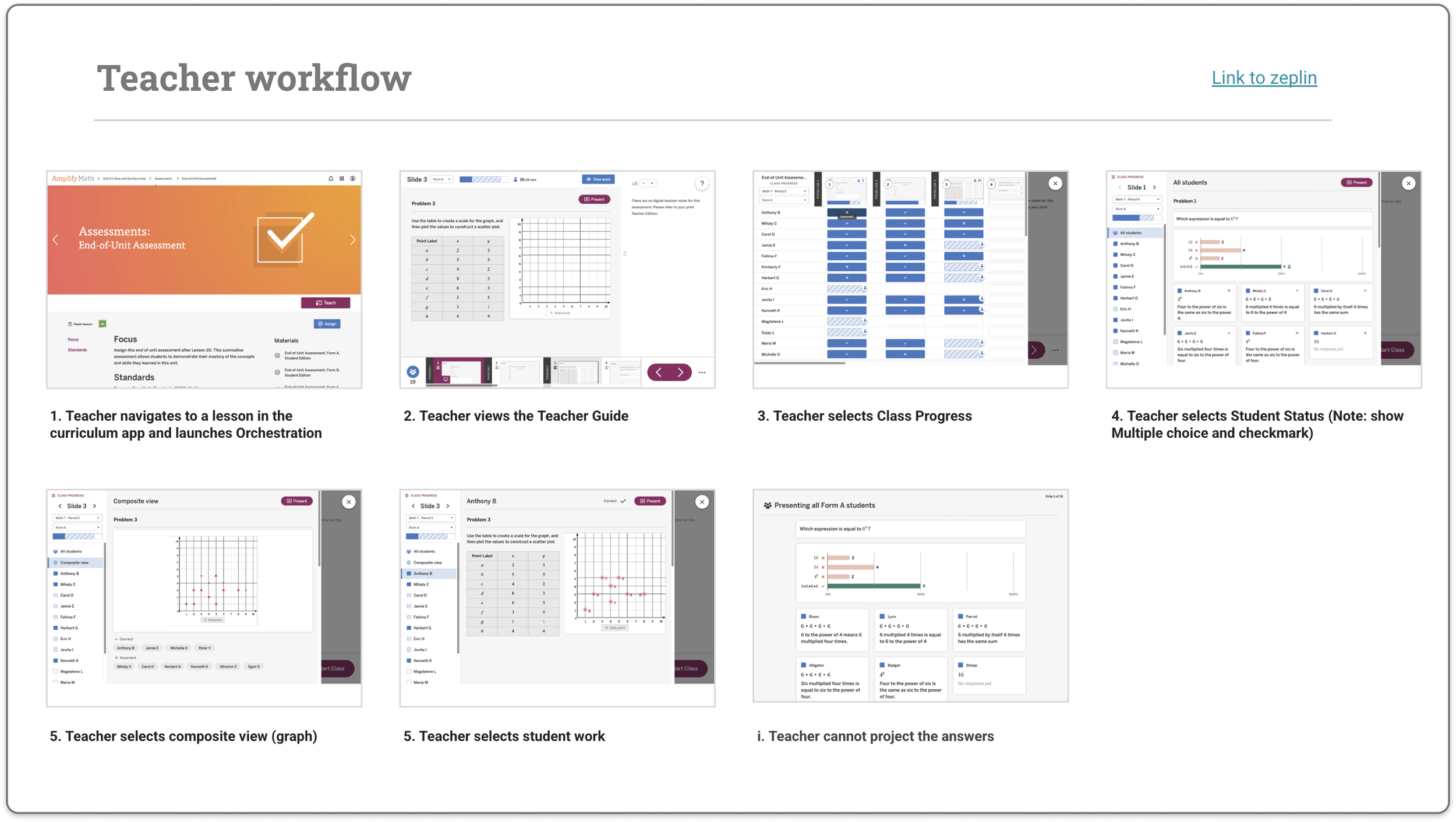
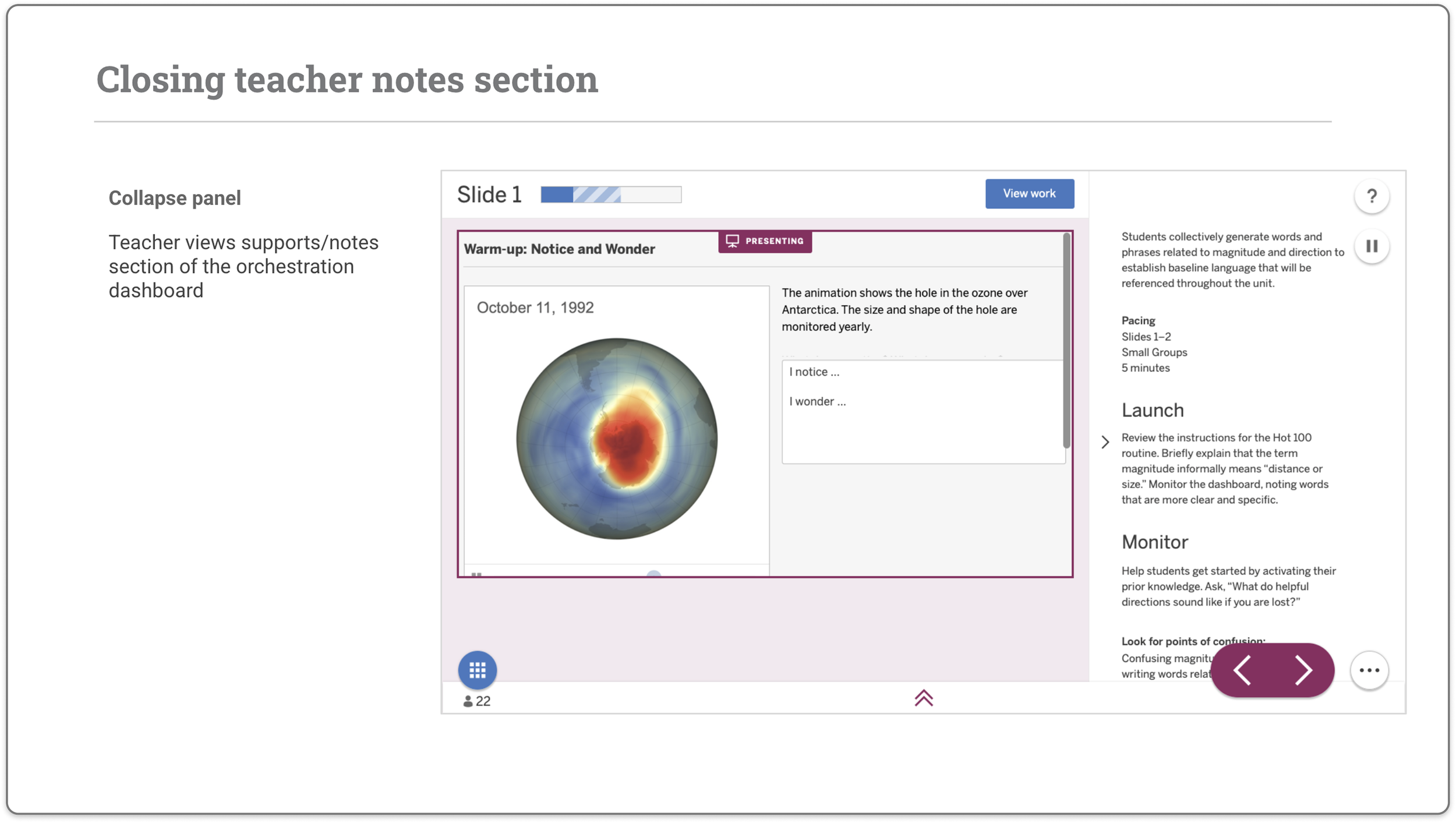
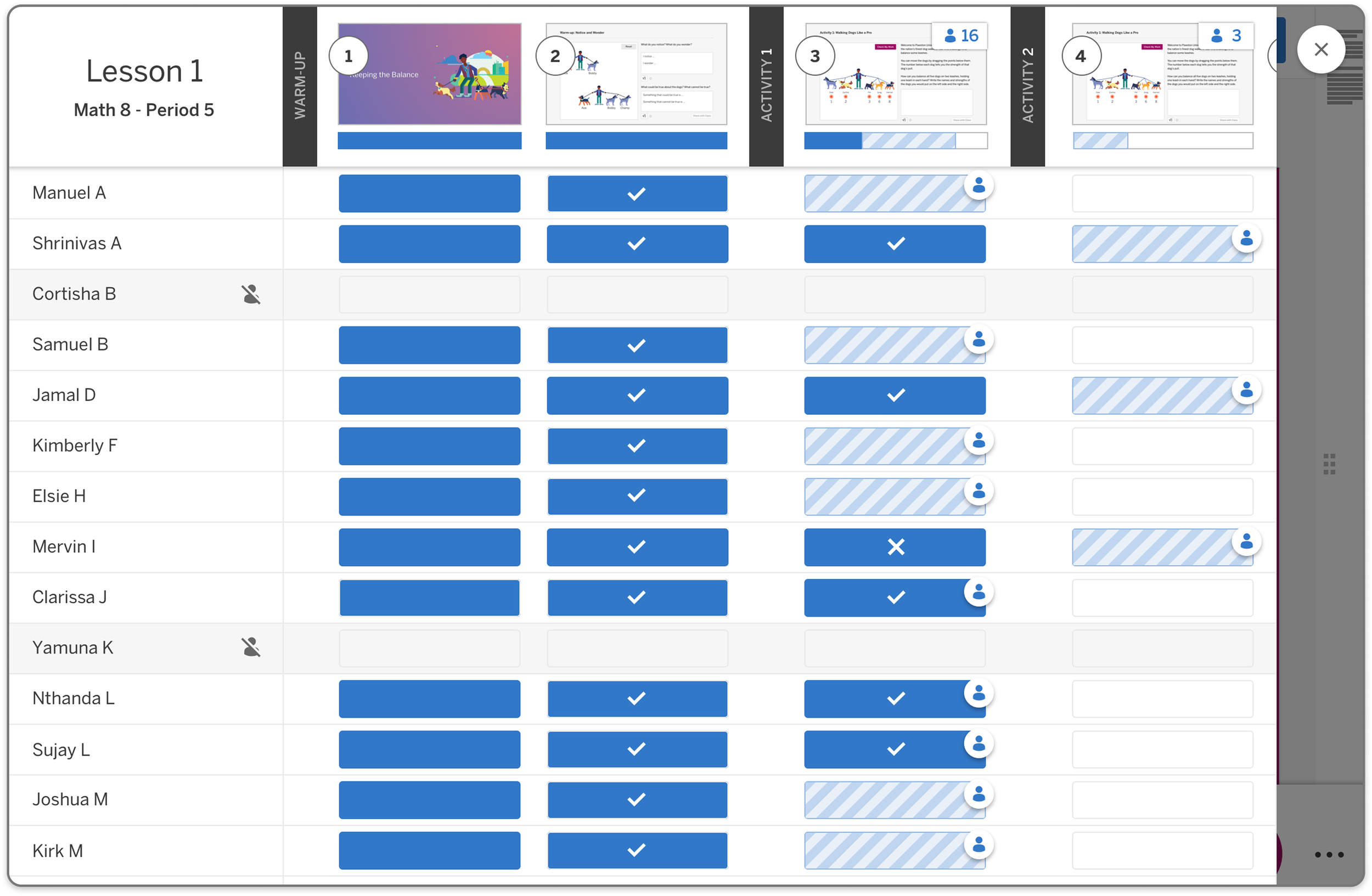
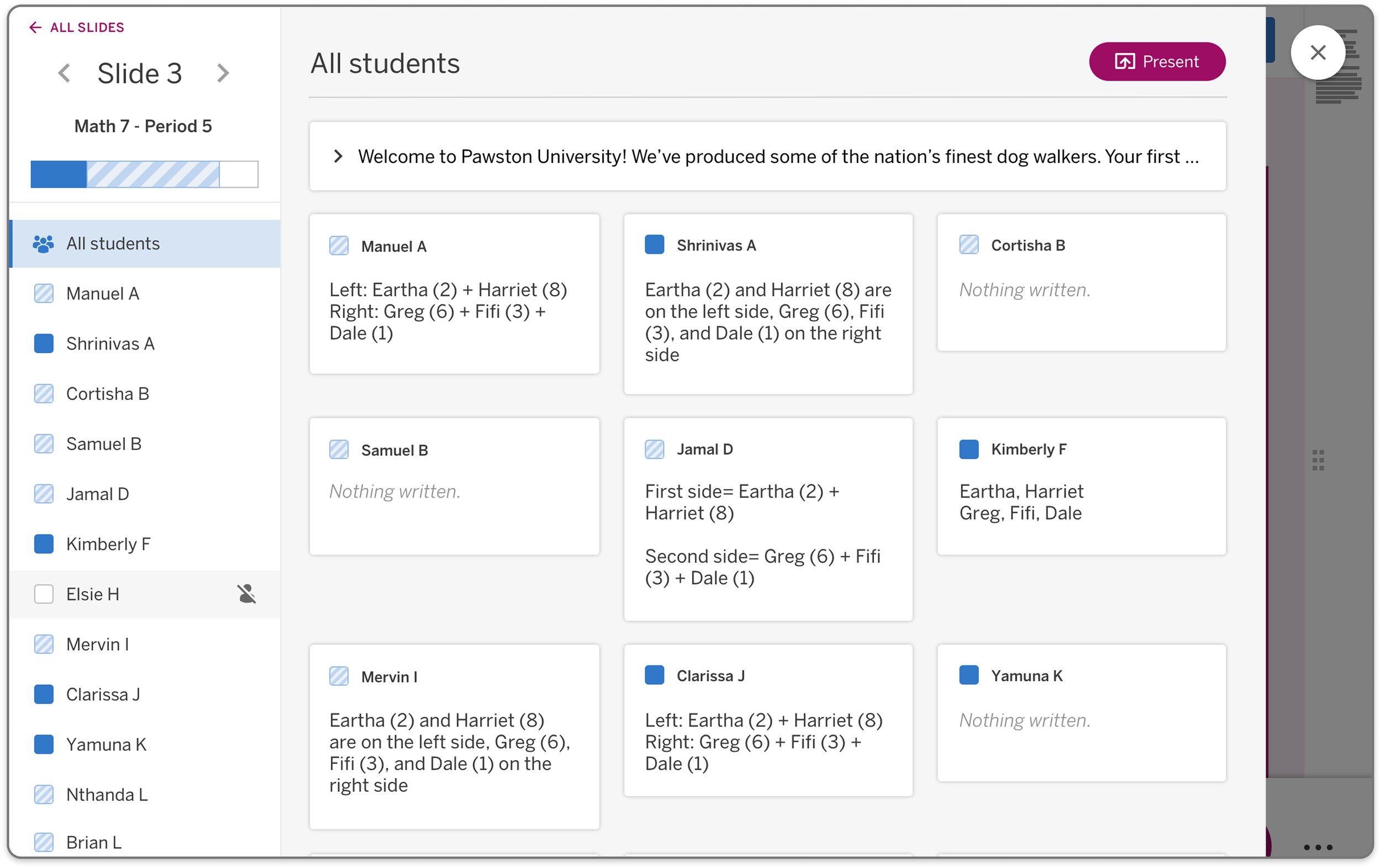
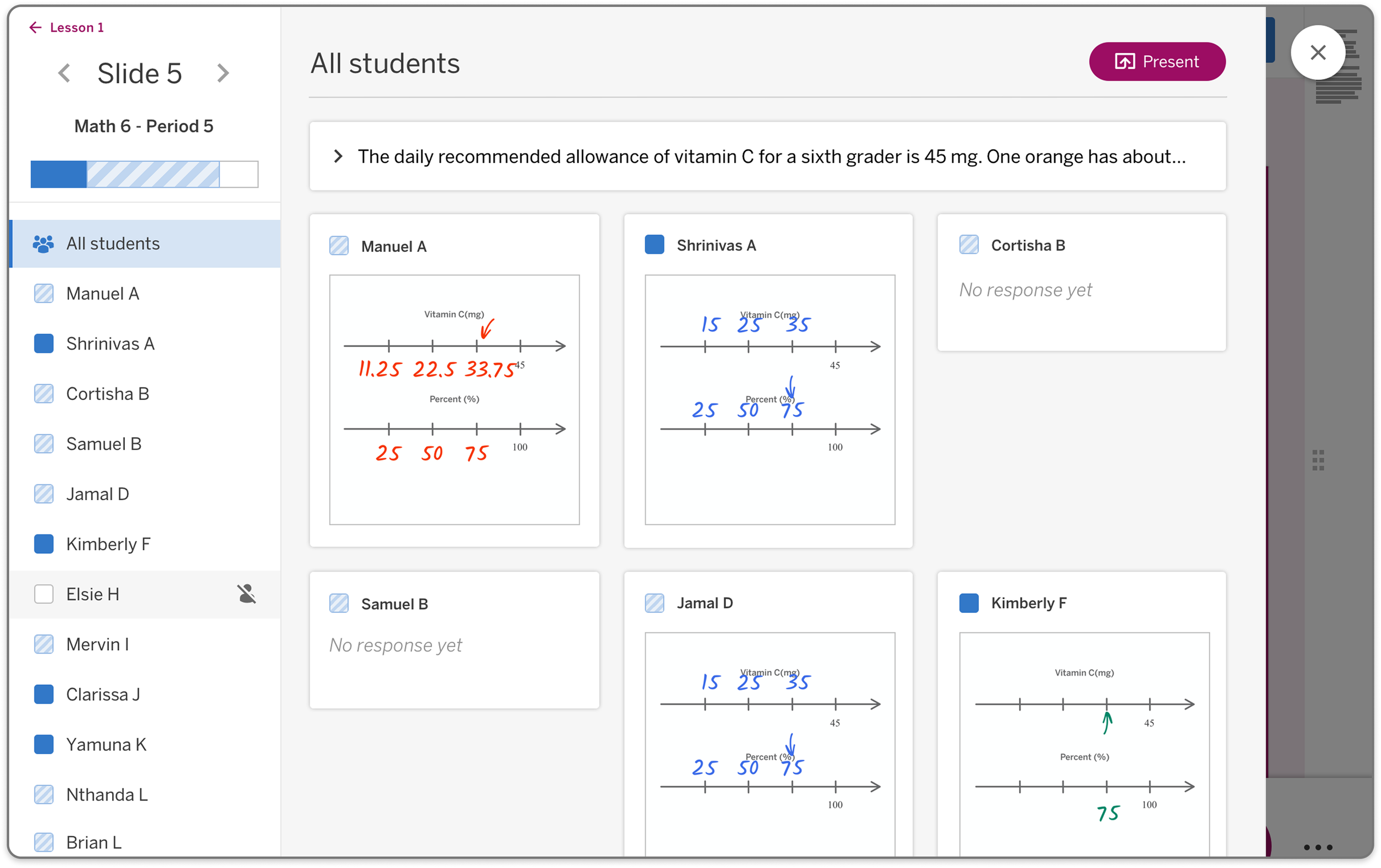
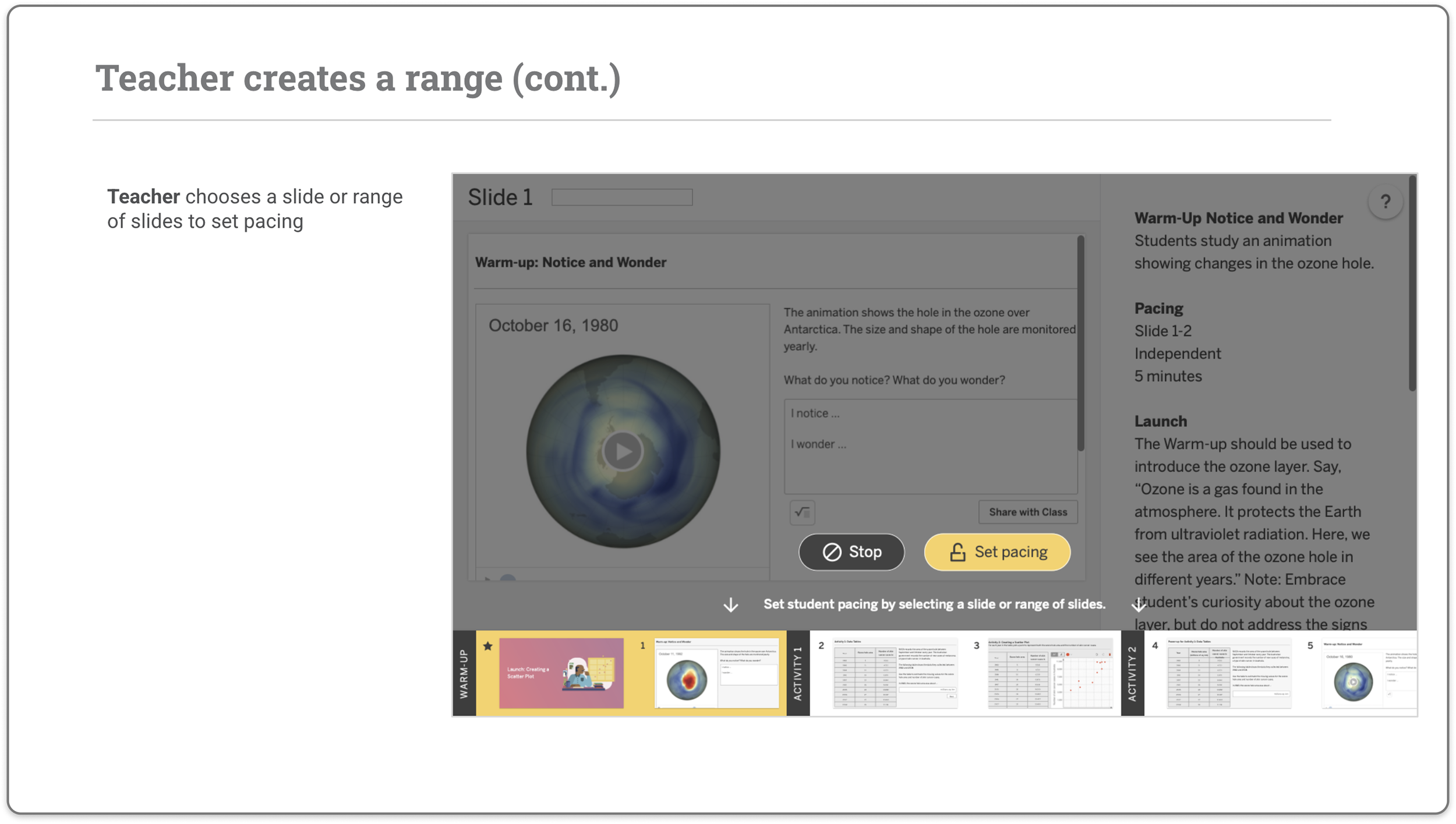
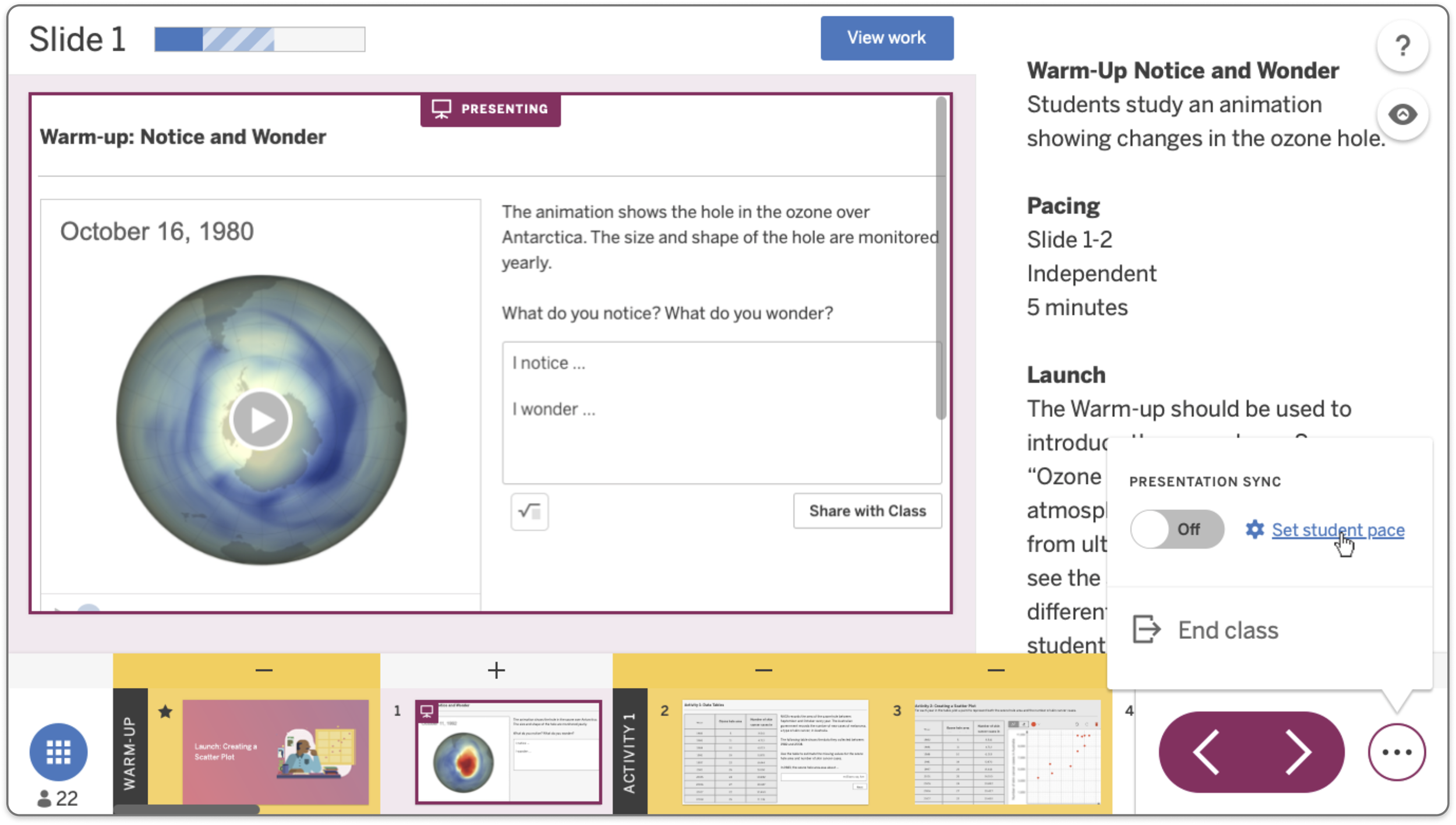
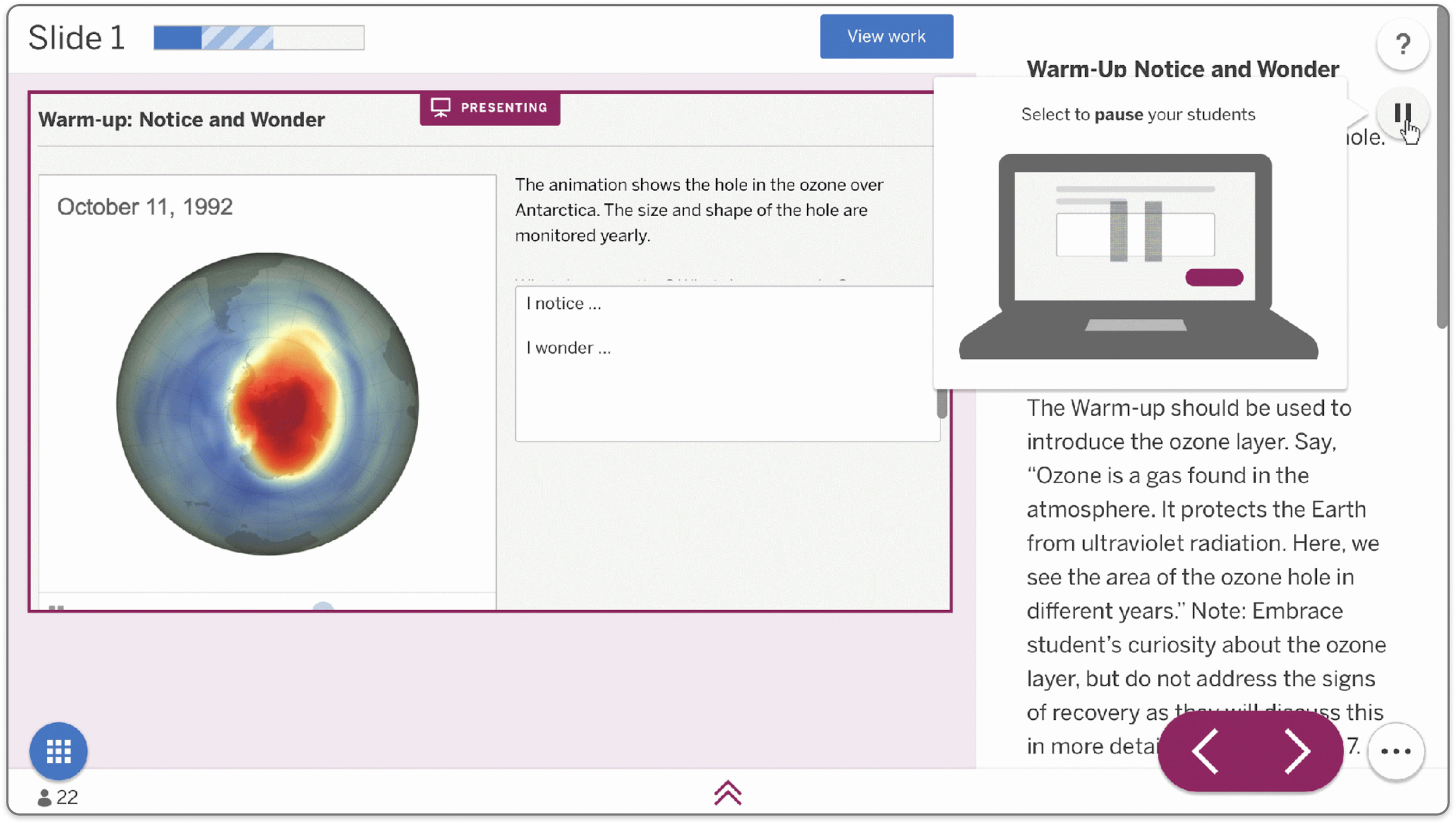
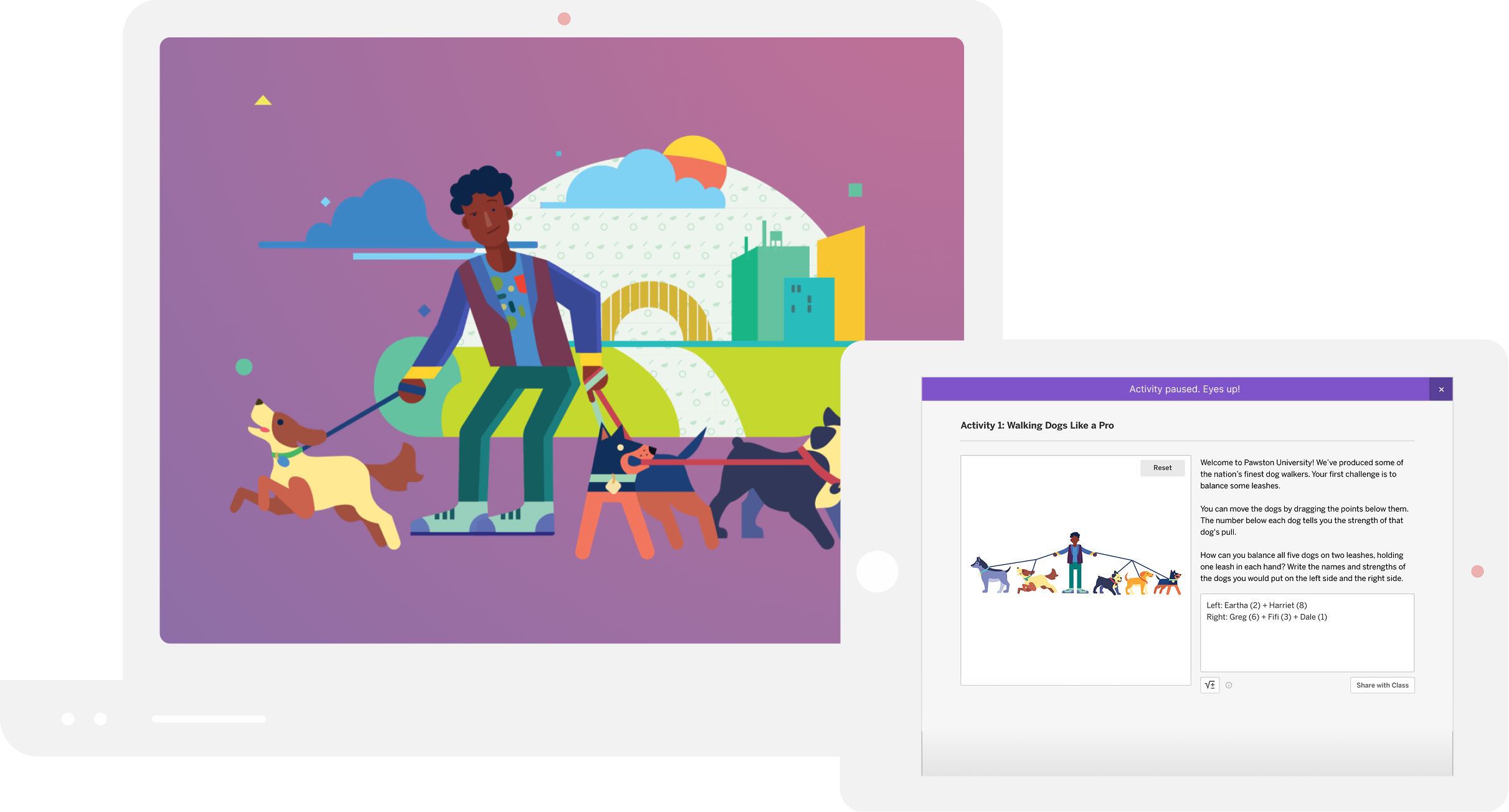
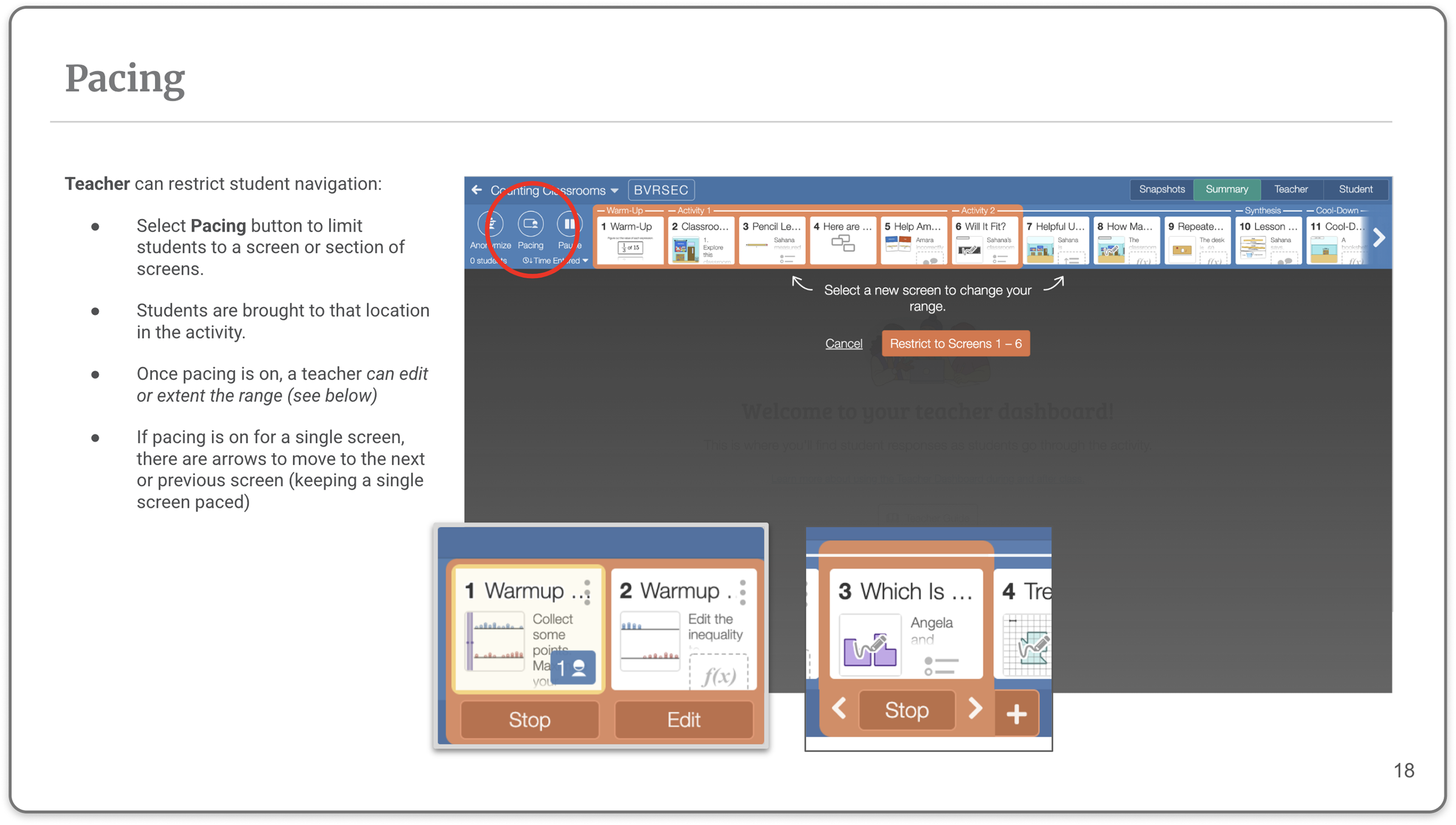
Designed teacher orchestration features, including pacing and pause controls, to support Math-specific classroom workflows
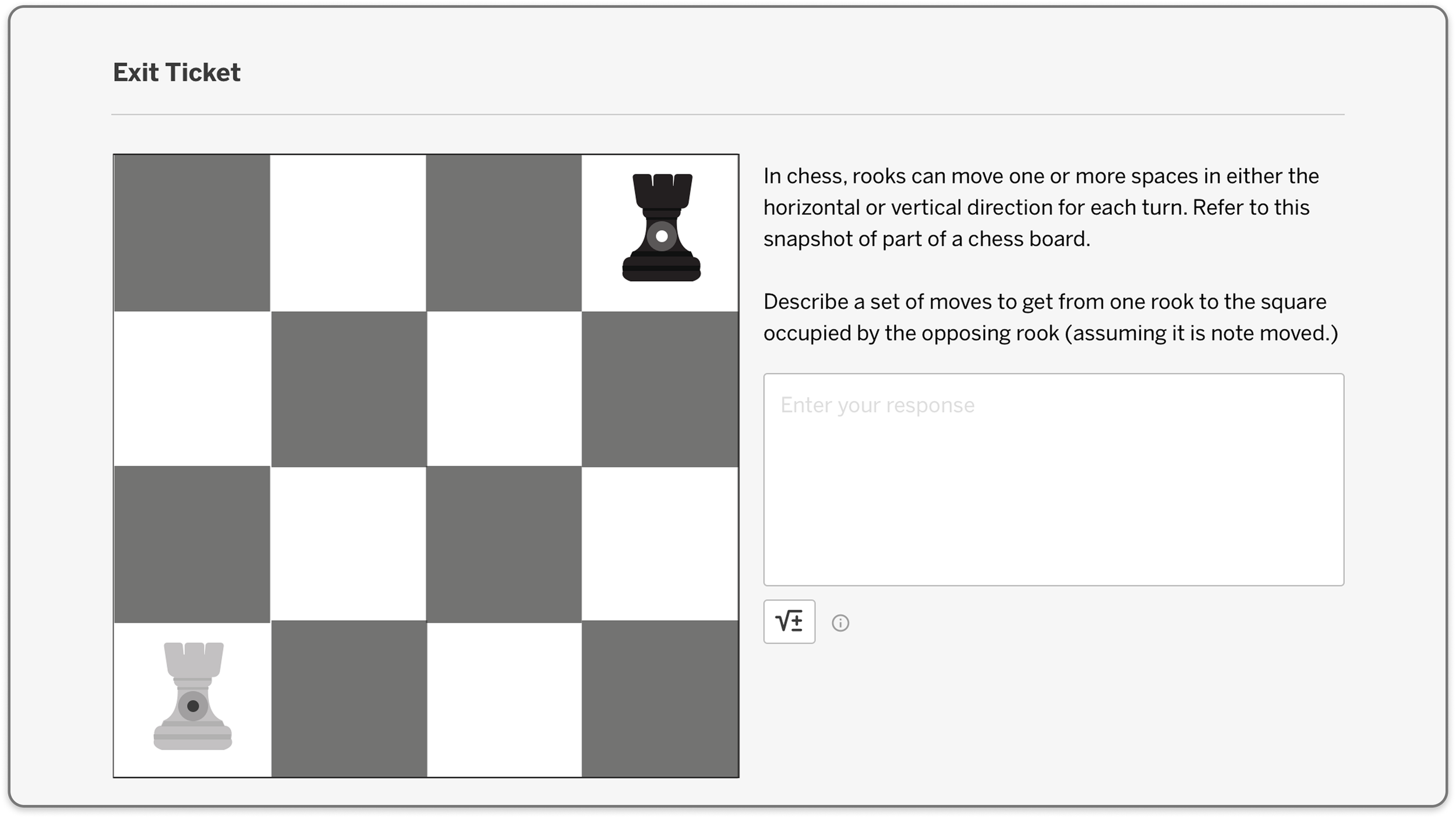
Designed the item bank and authoring structure to support Math content and custom assessments
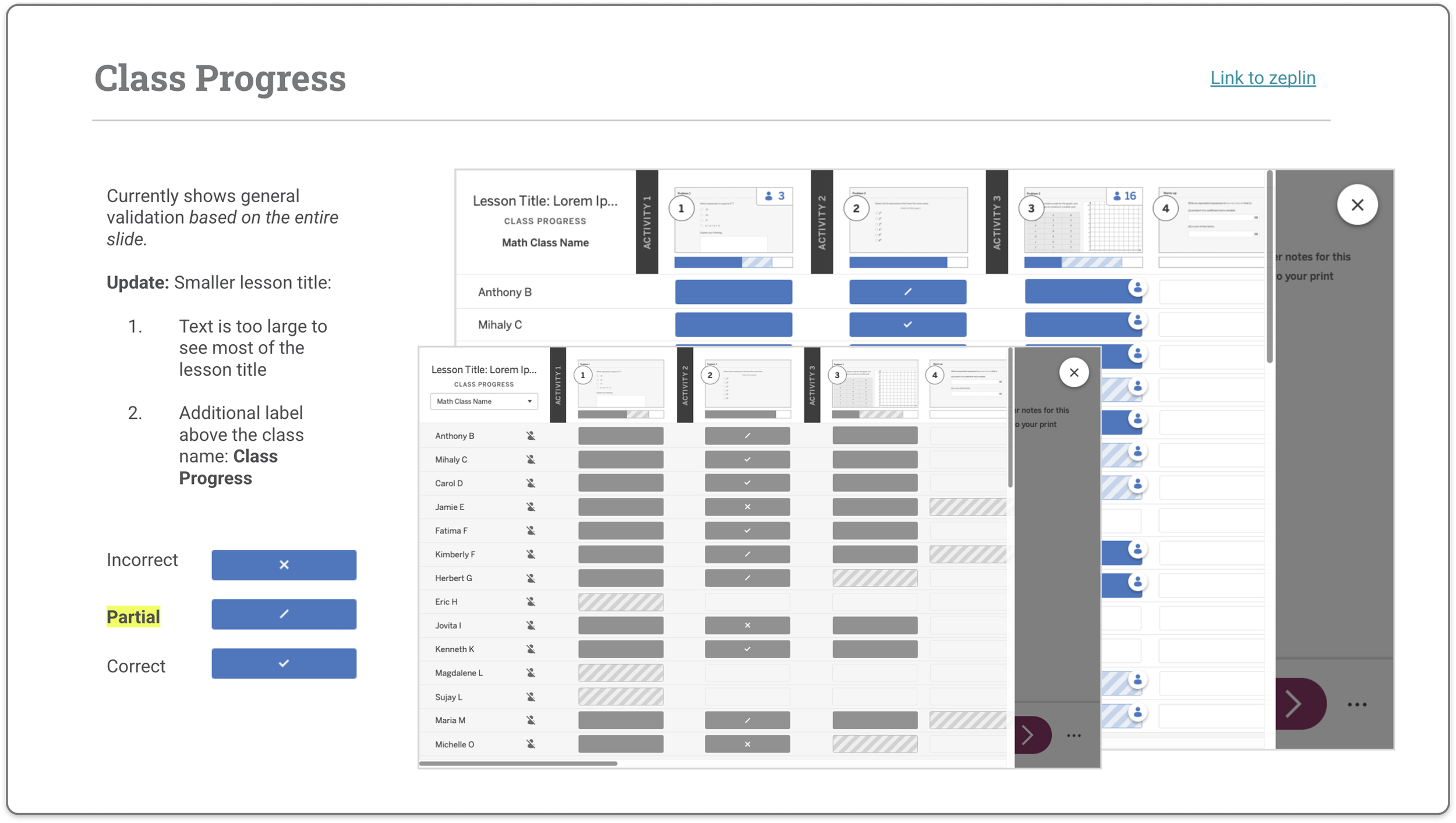
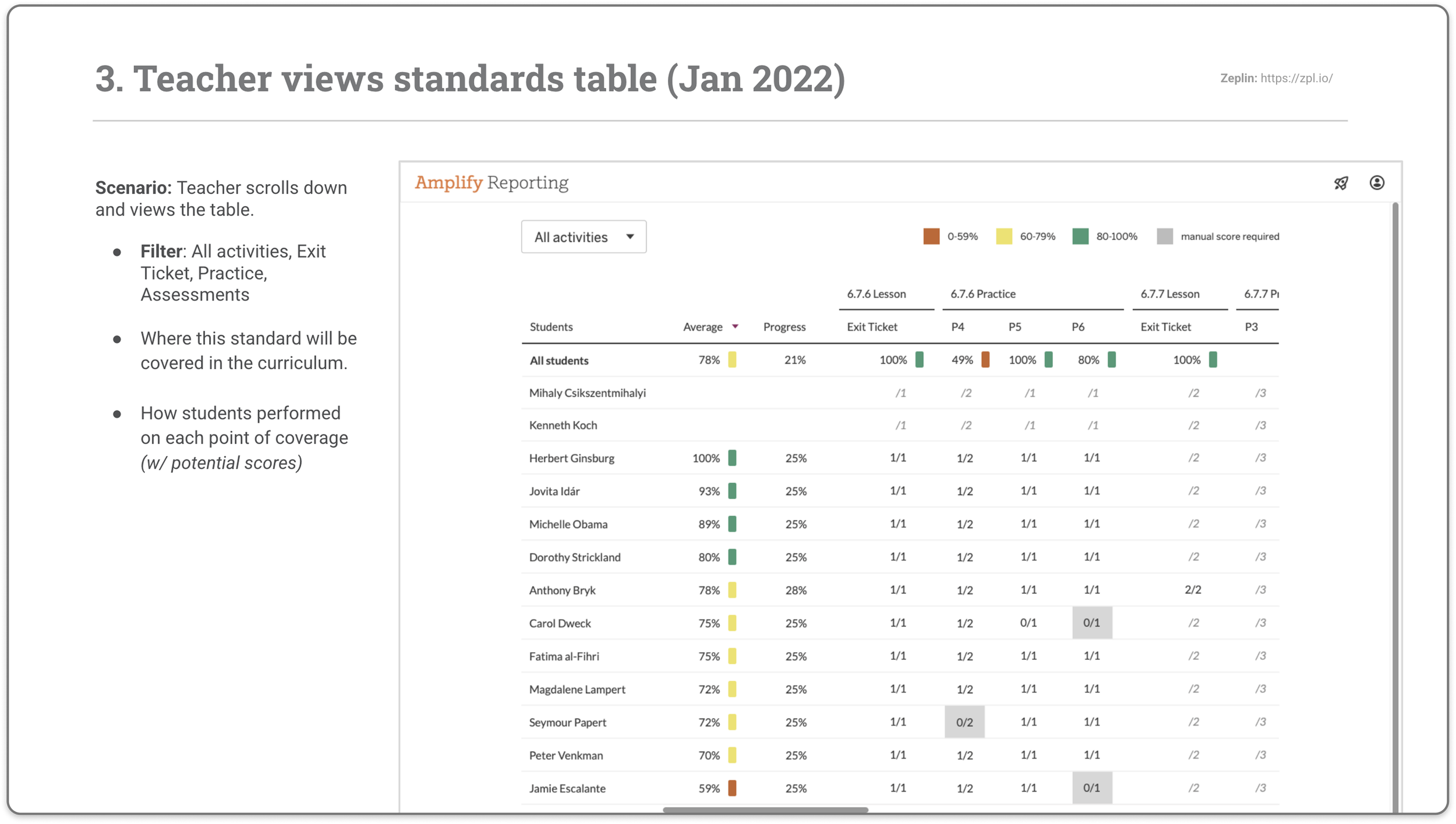
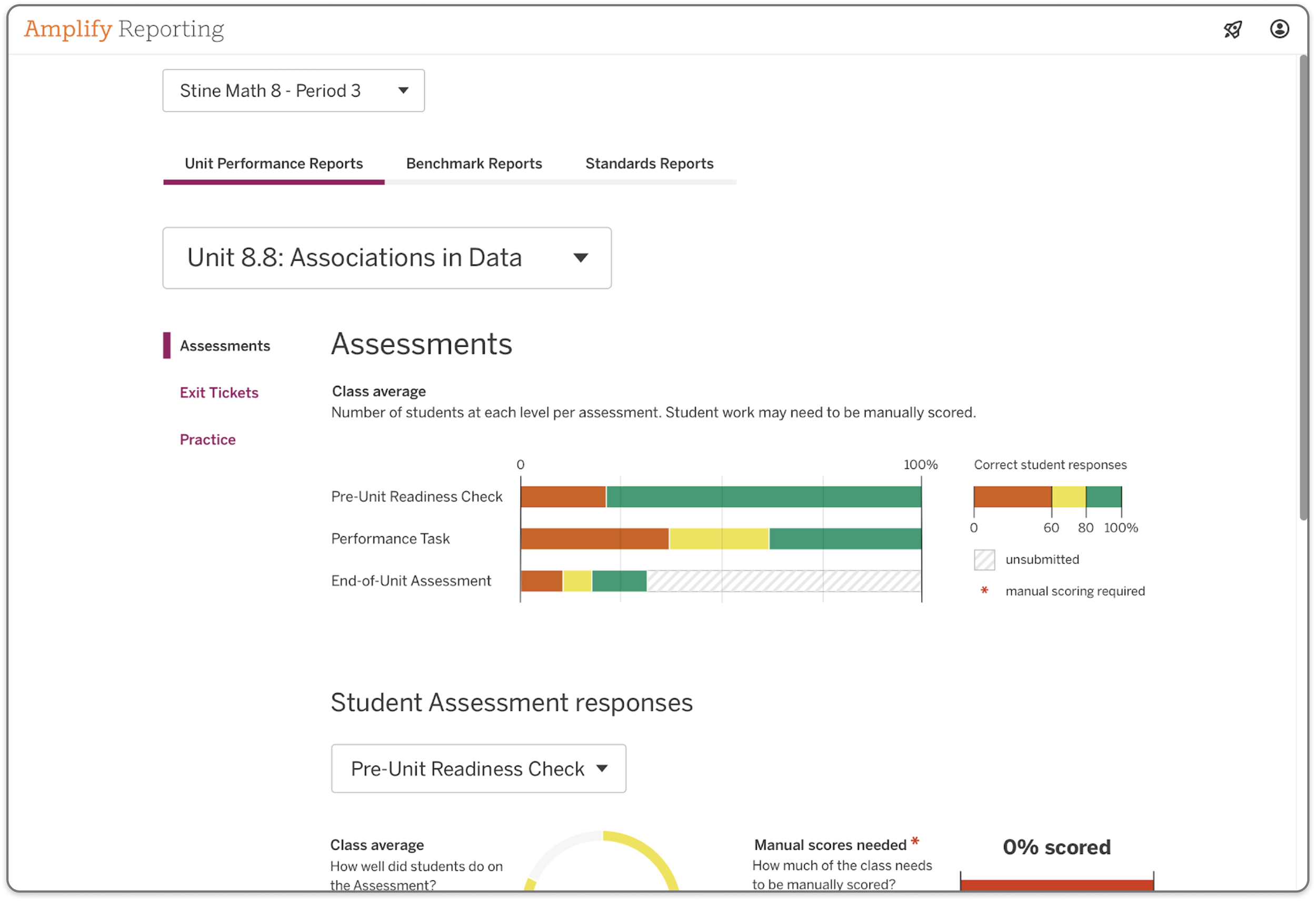
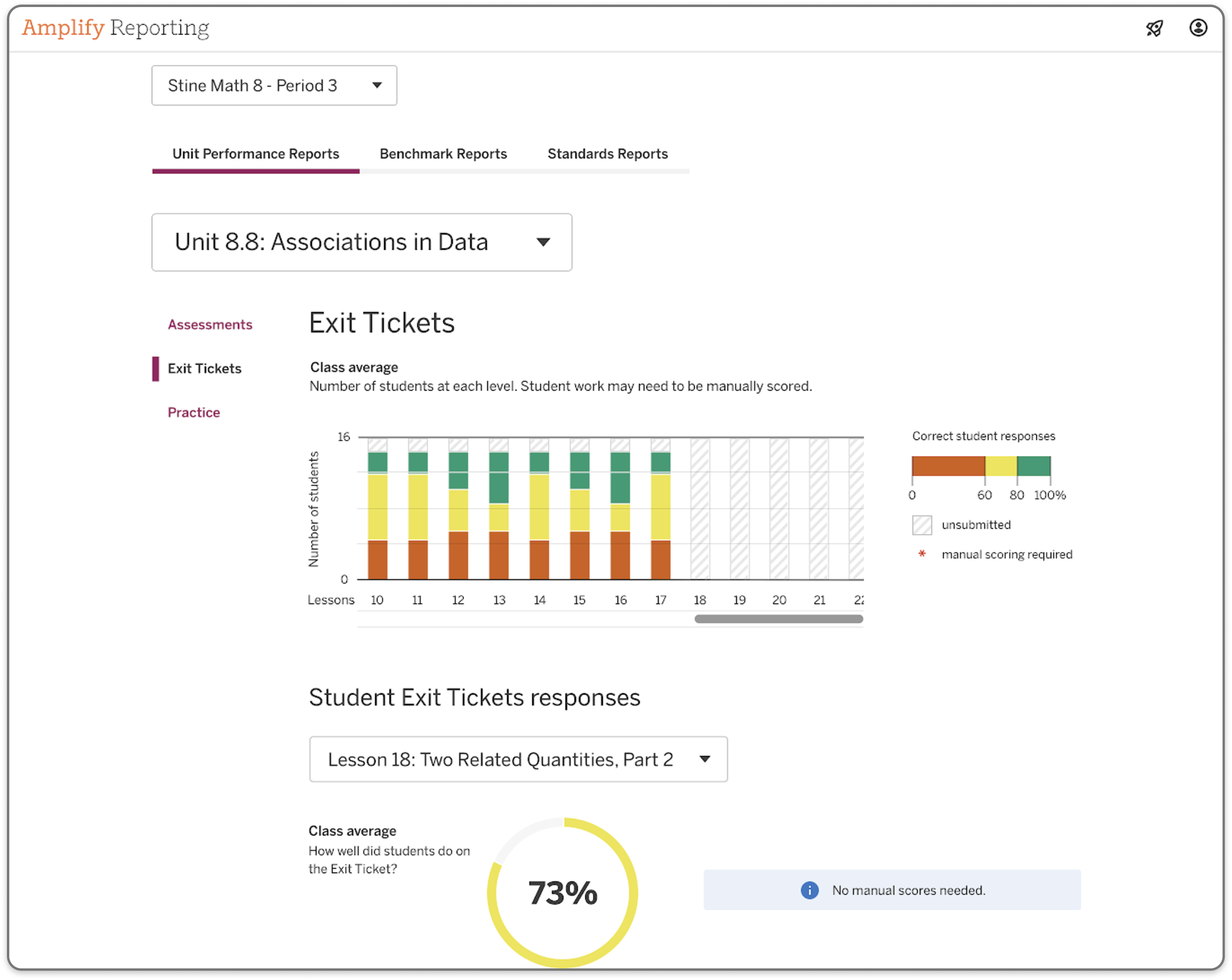
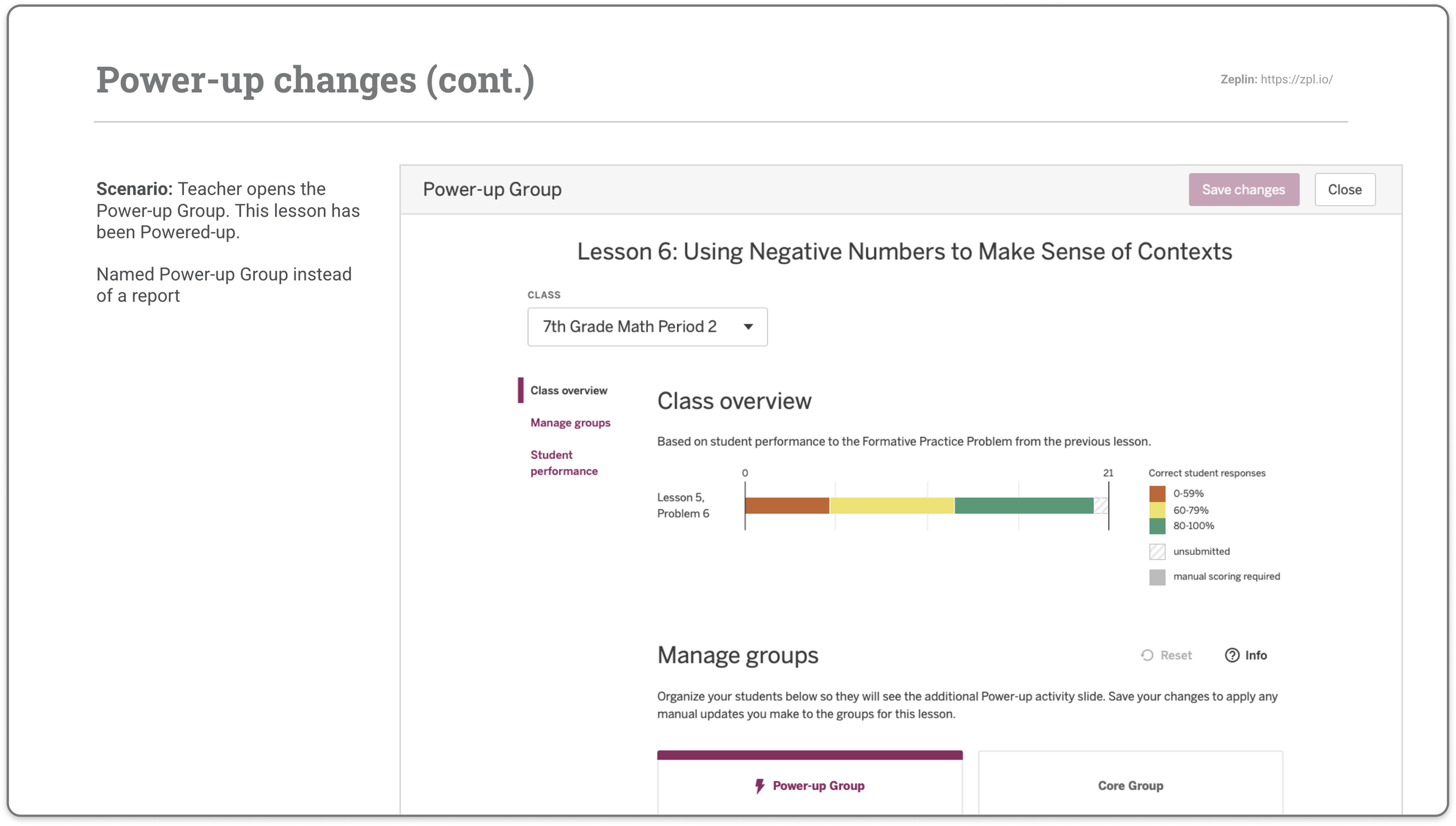
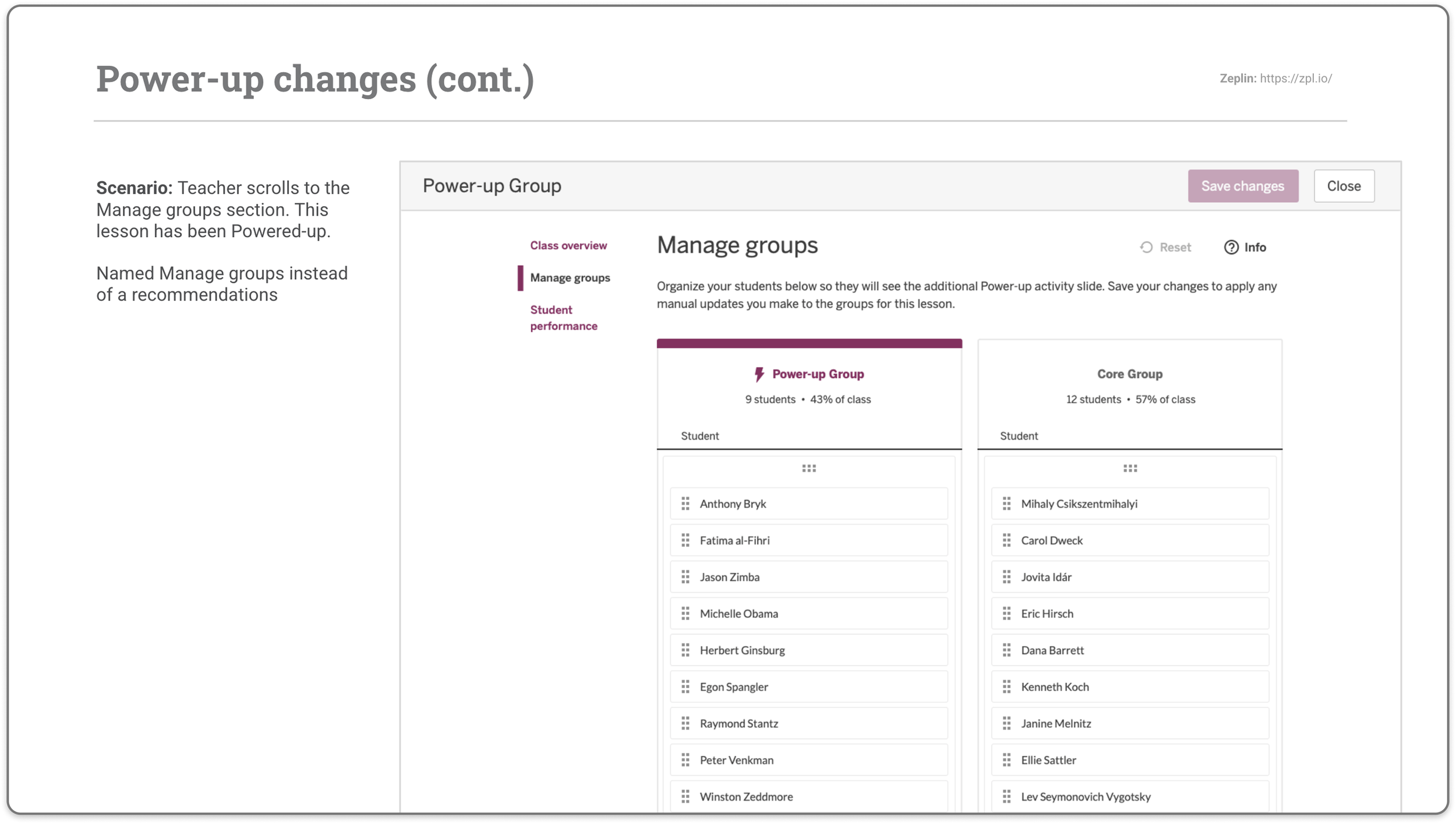
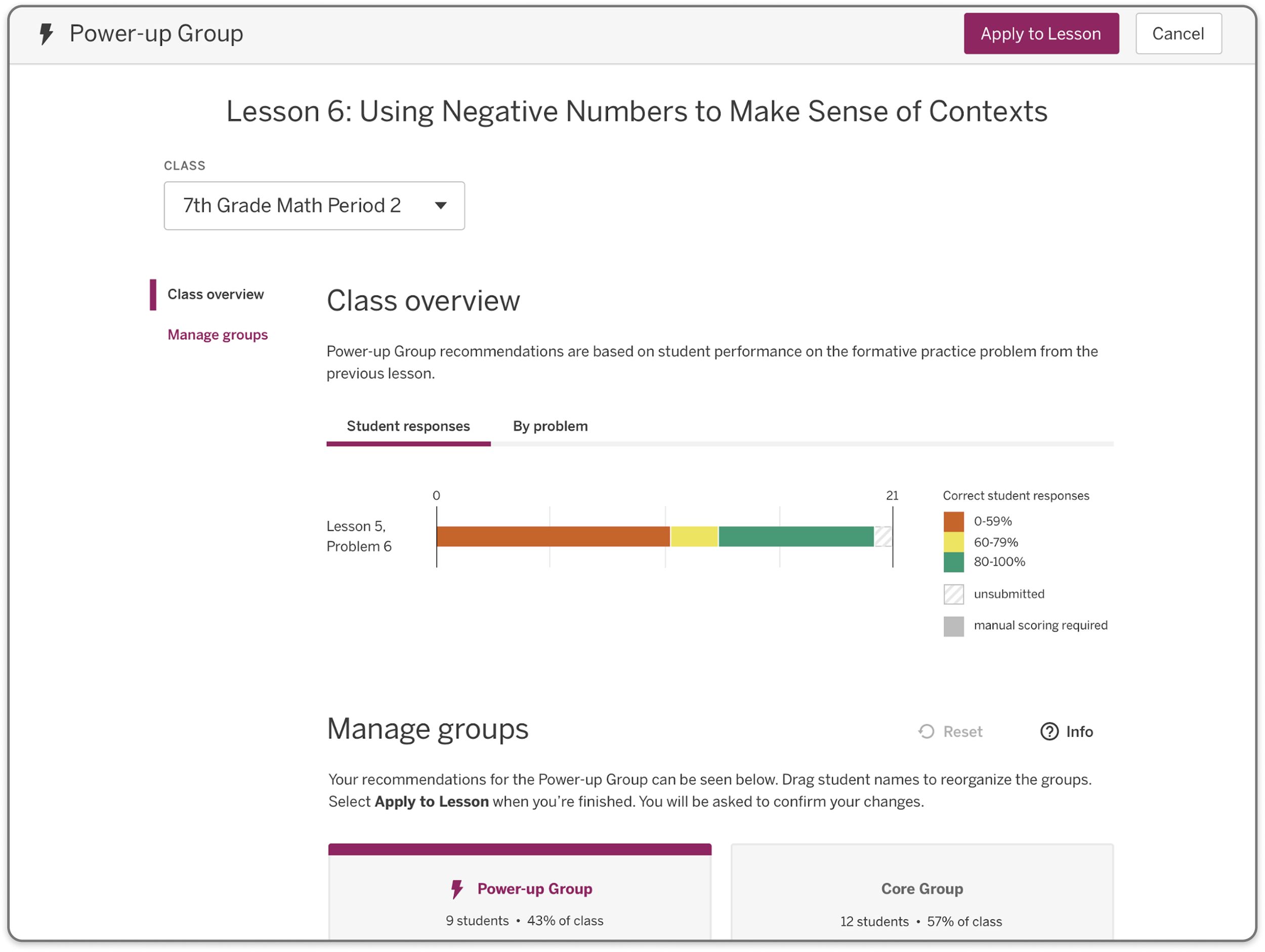
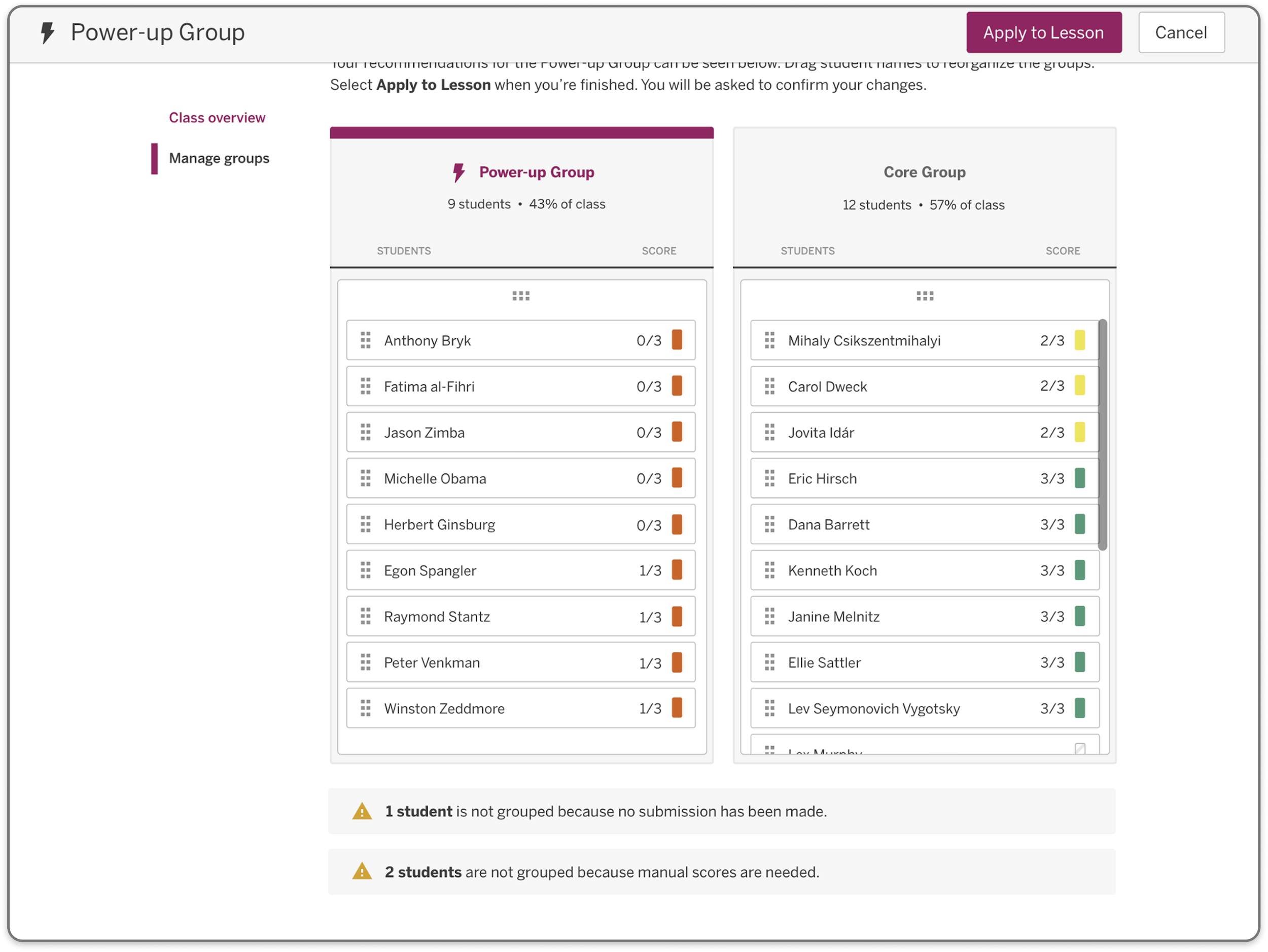
Designed the scoring, reporting, and recommendations systems needed to support Math practice and assessment data
Worked closely with the Desmos team during a period when the two companies were still separate organizations, aligning on shared technical and design direction
-
This work shipped as the MVP for Amplify Math's digital experience — establishing the lesson player, orchestration tools, and reporting systems that the product launched with.
Beyond the immediate MVP, this integration work helped set the long-term direction for Amplify's platform strategy. As Desmos was later acquired and Desmos Classroom became the unified platform direction for Amplify Math, the integration patterns and content architecture established in this early work informed that broader transition.
Gap Analysis & Design Unification Audit
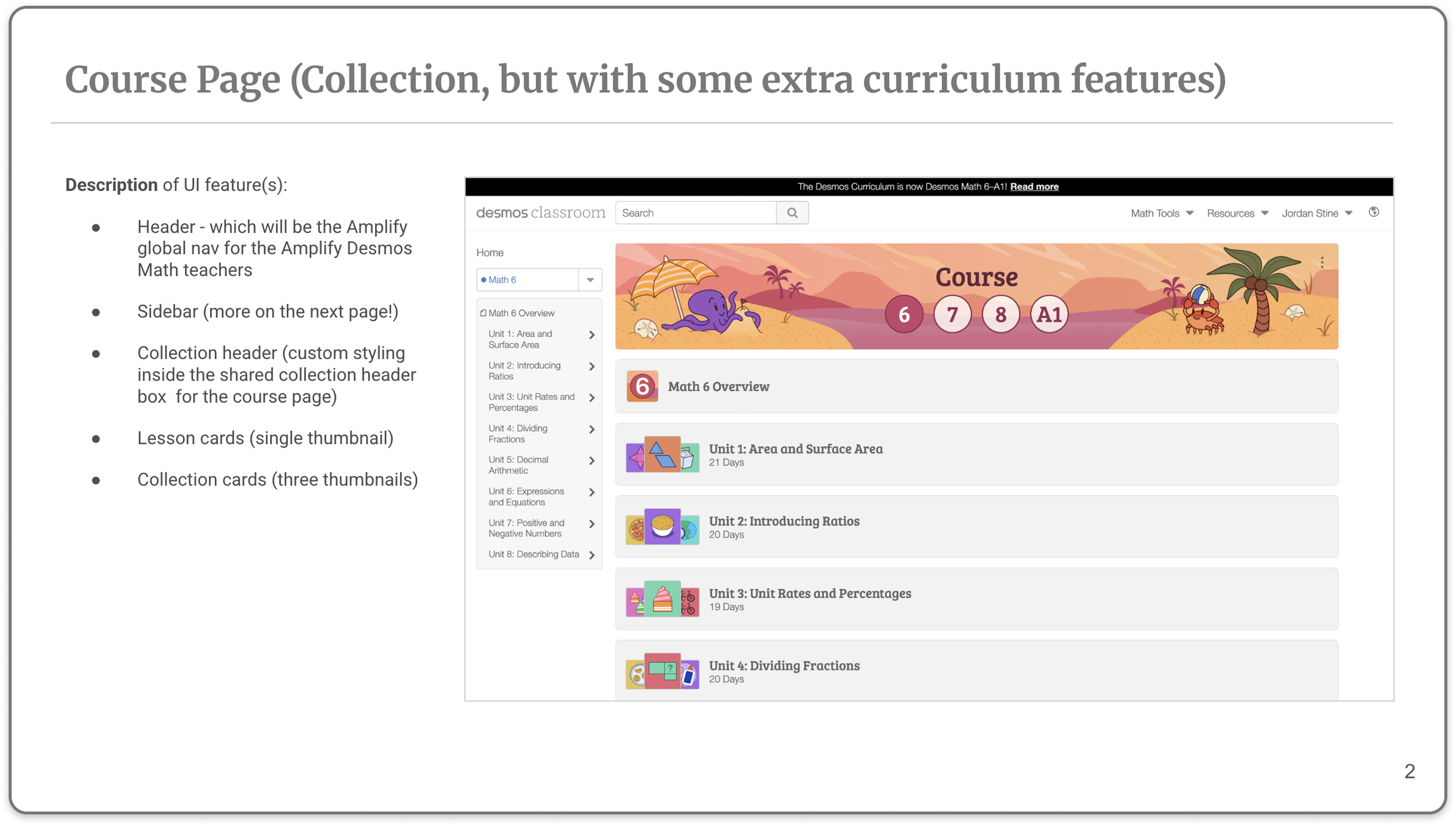
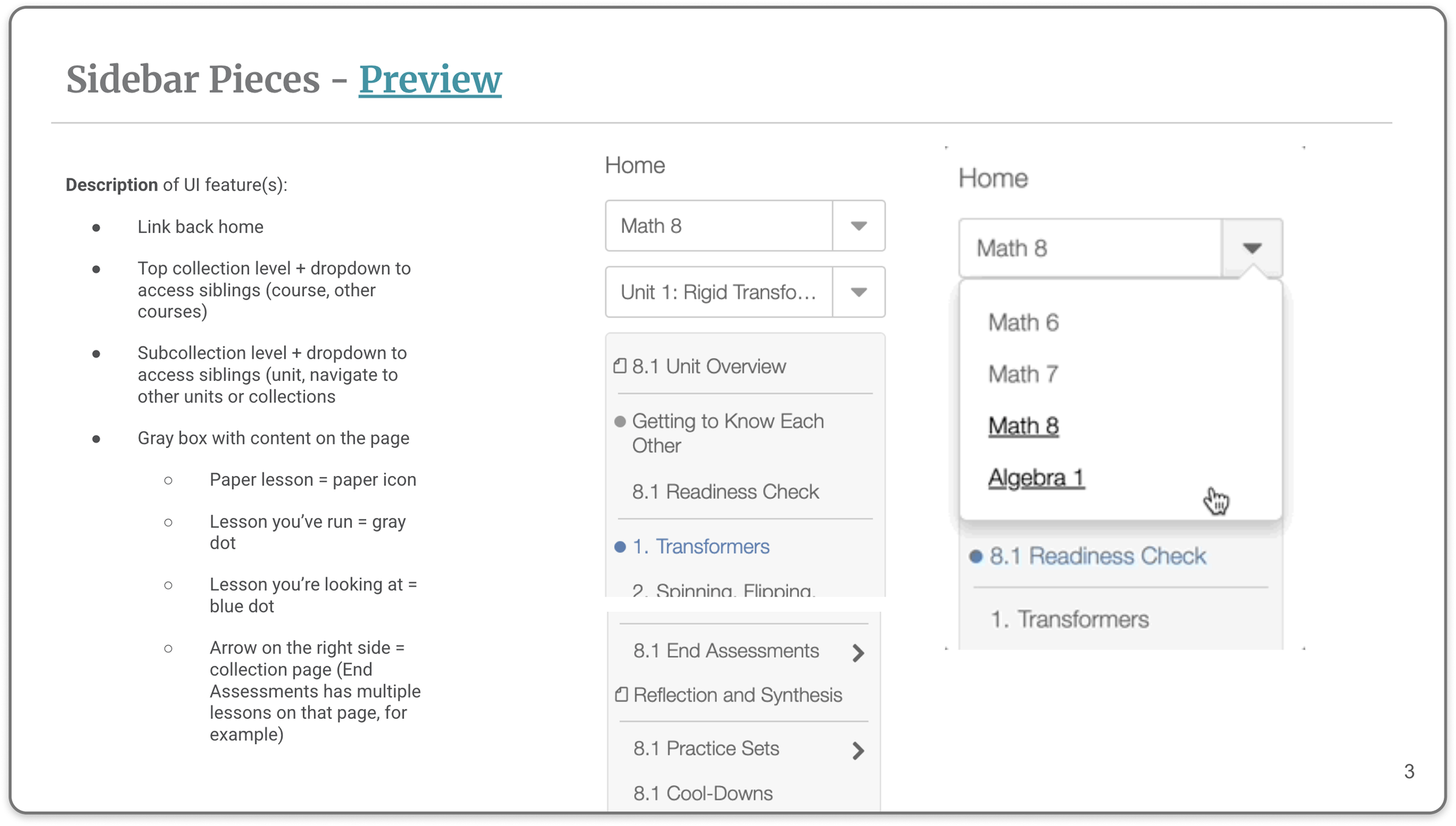
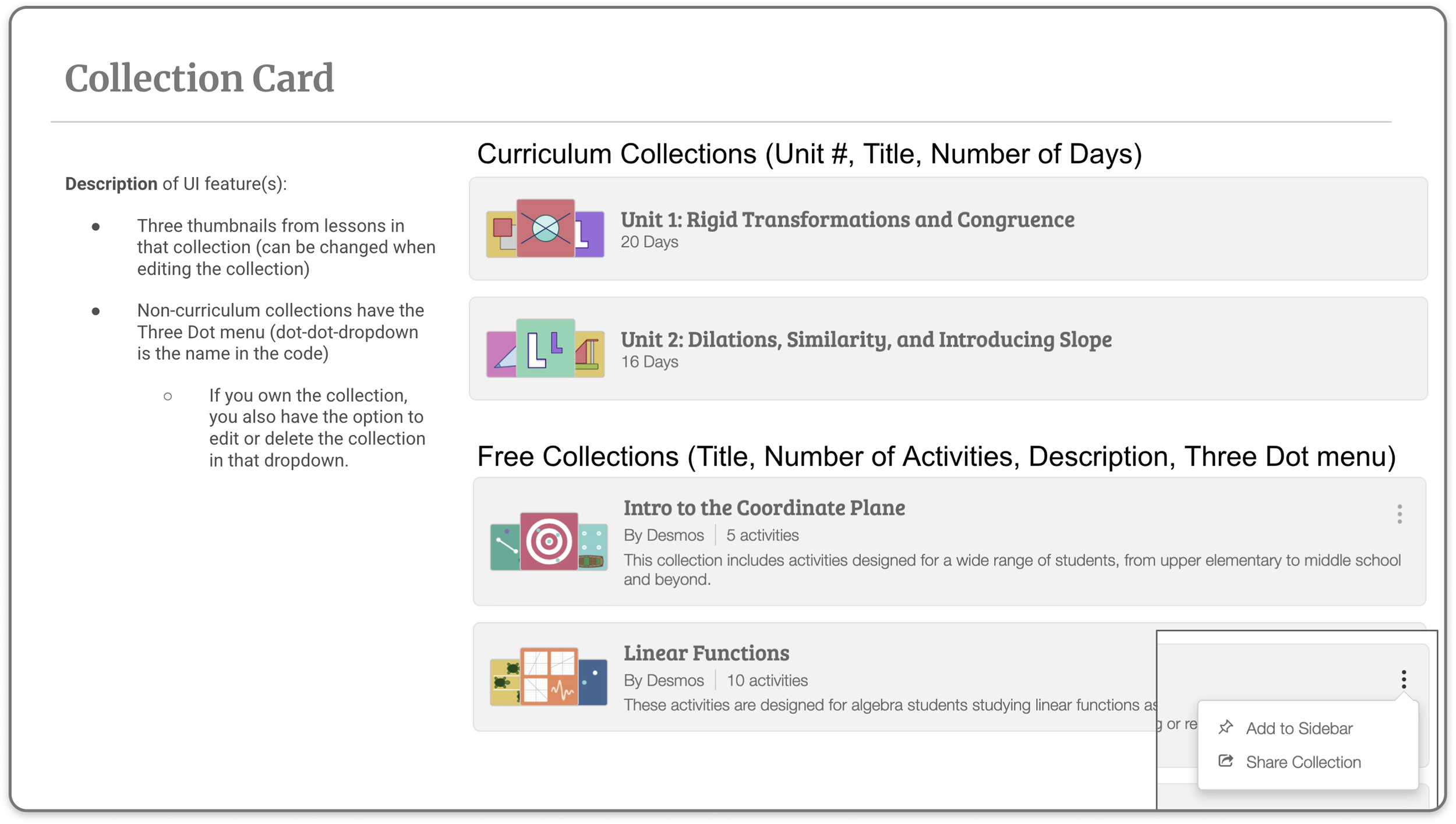
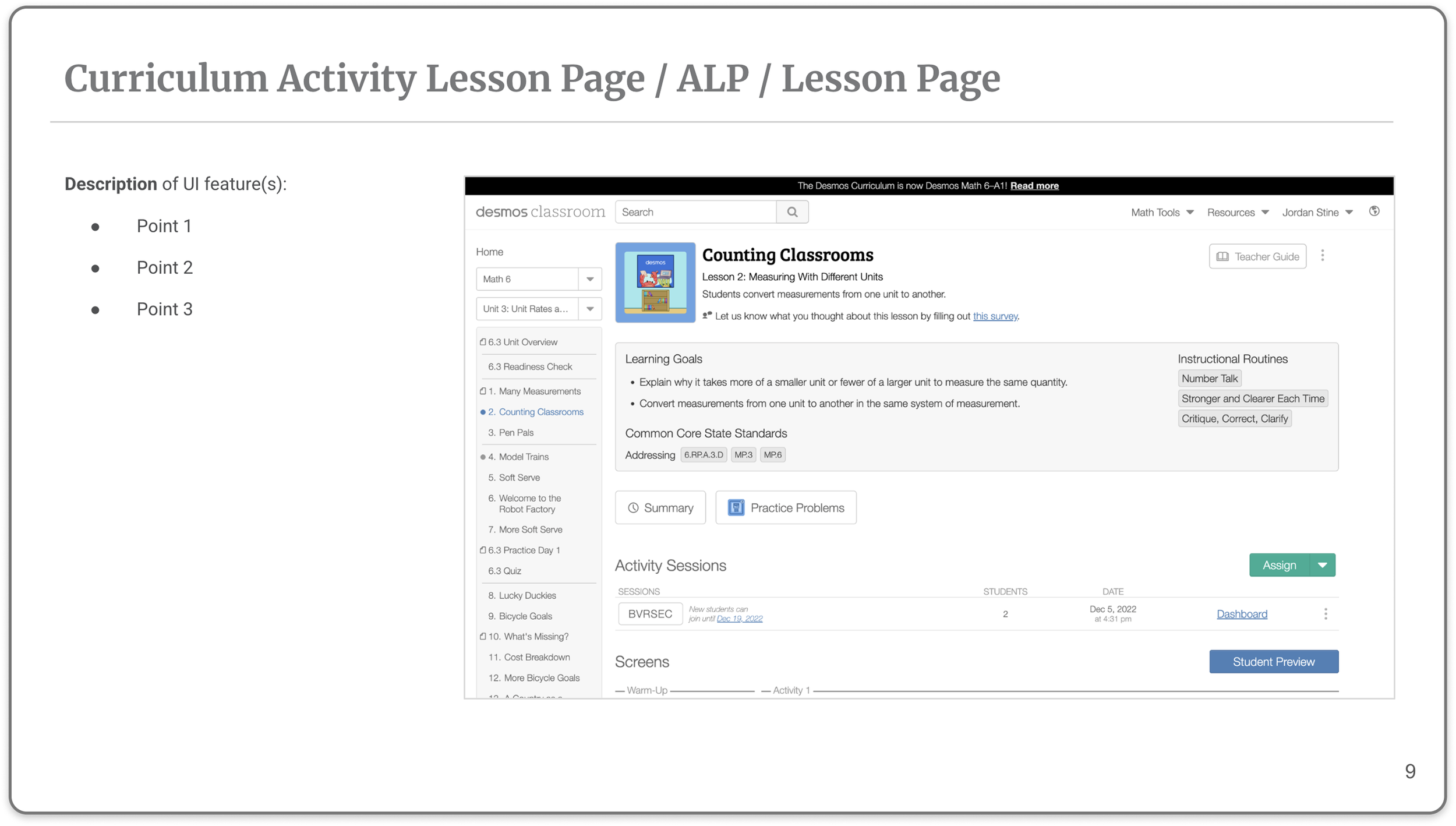
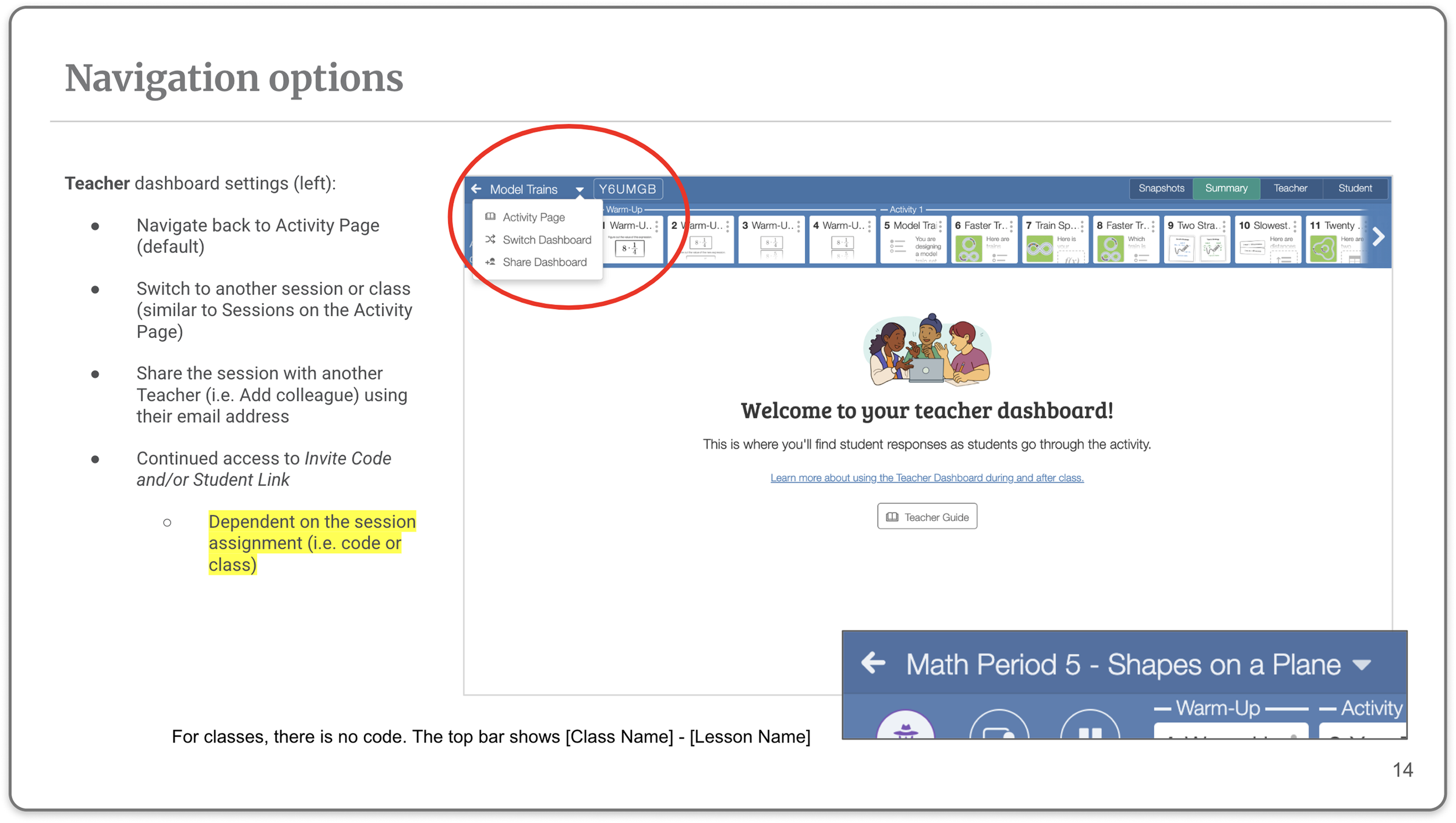
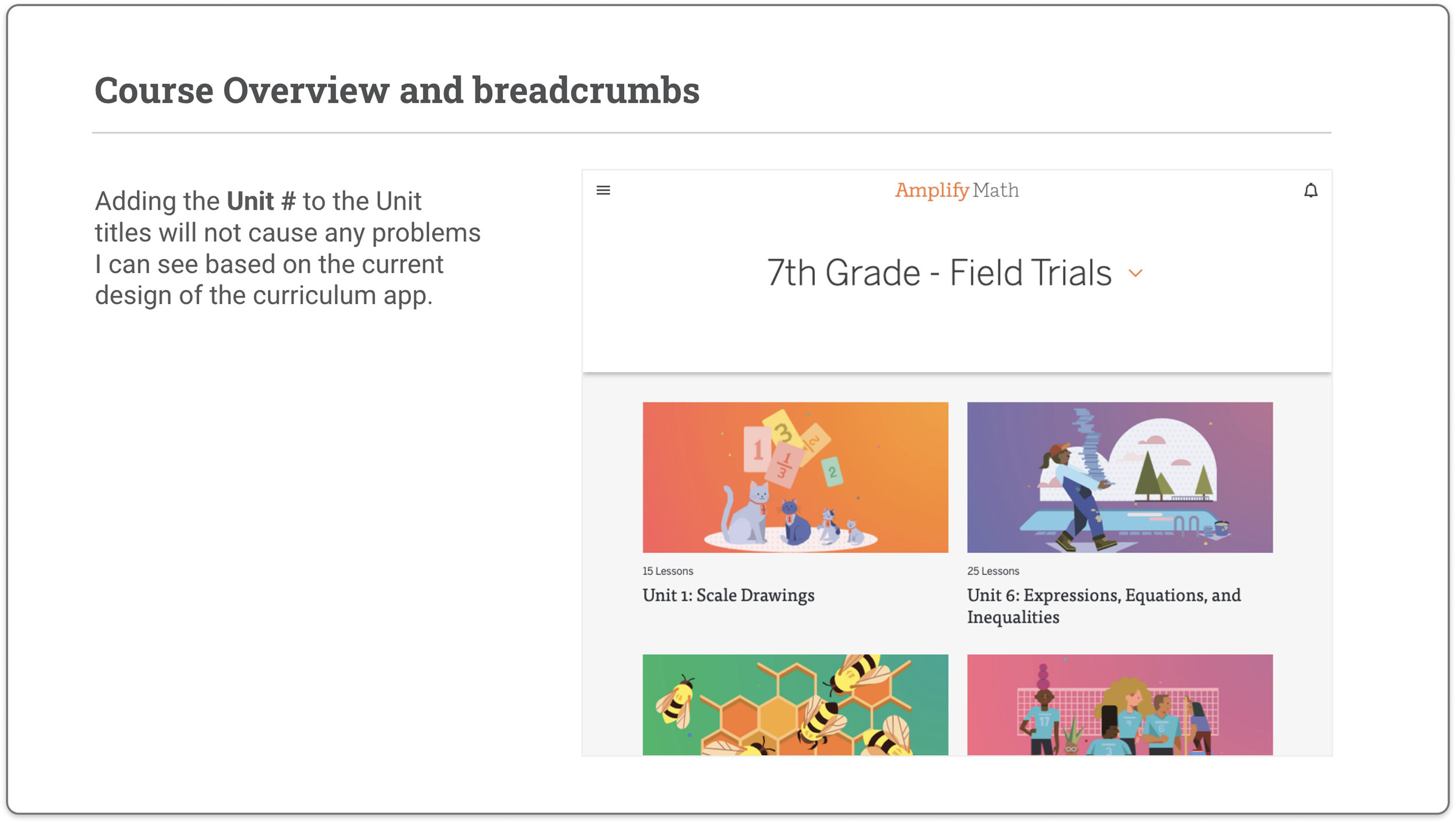
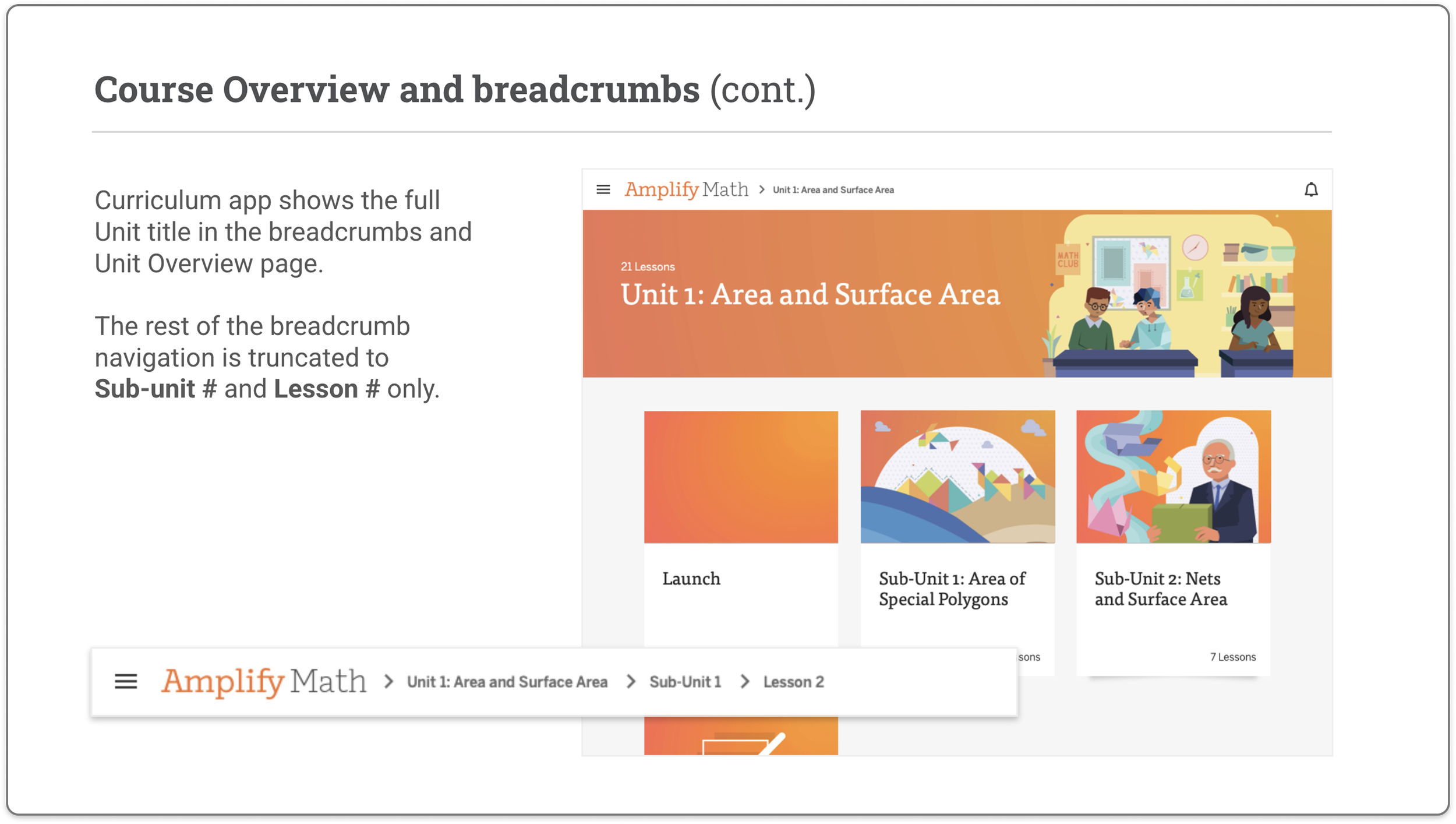
I conducted a formal audit of the Desmos Classroom UI against Amplify's product needs — mapping the Course Overview, sidebar navigation, lesson cards, and collection structure to identify where the two systems conflicted and where they could be unified. This audit became the foundation for all integration decisions that followed.
Component Style System
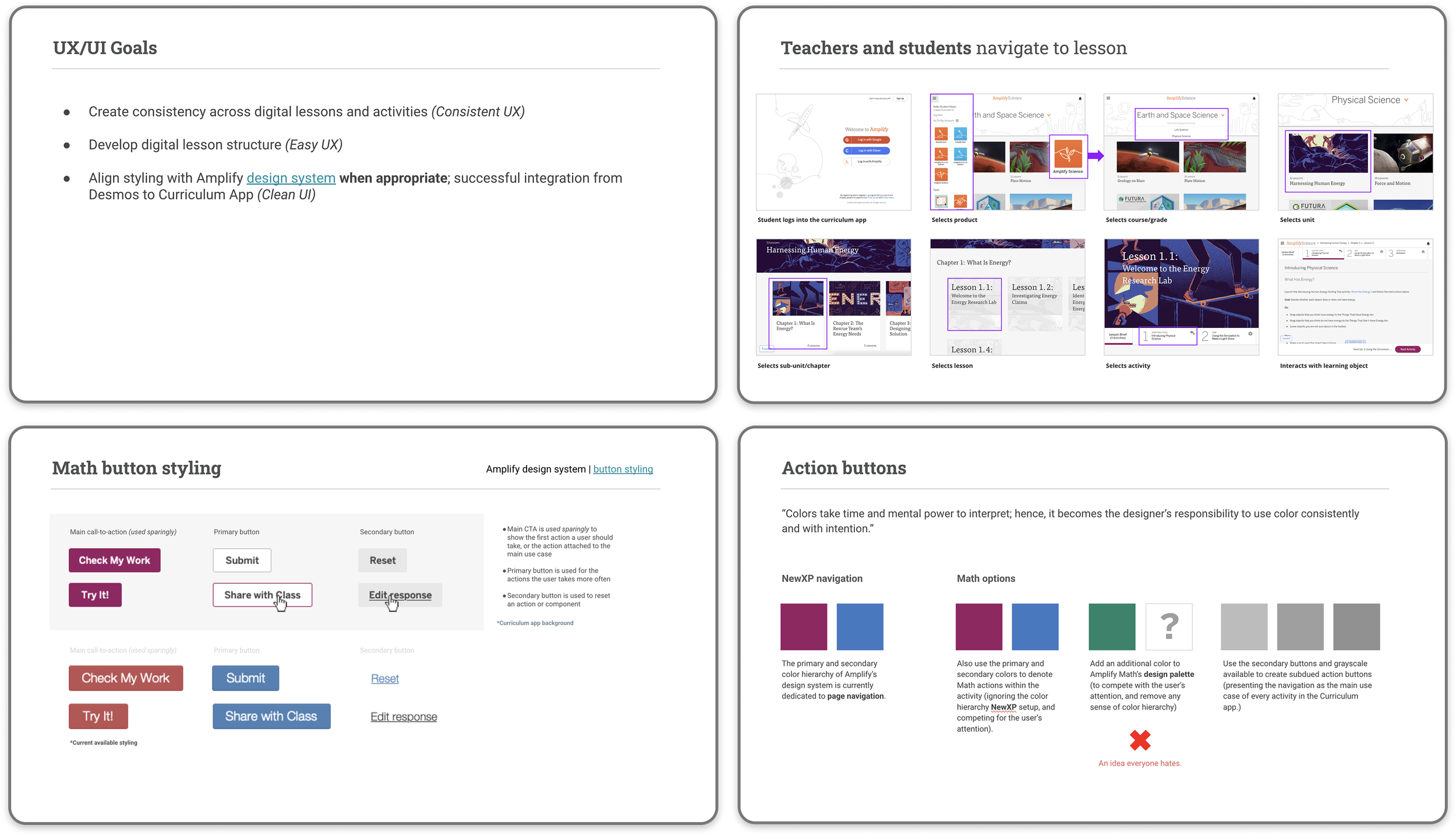
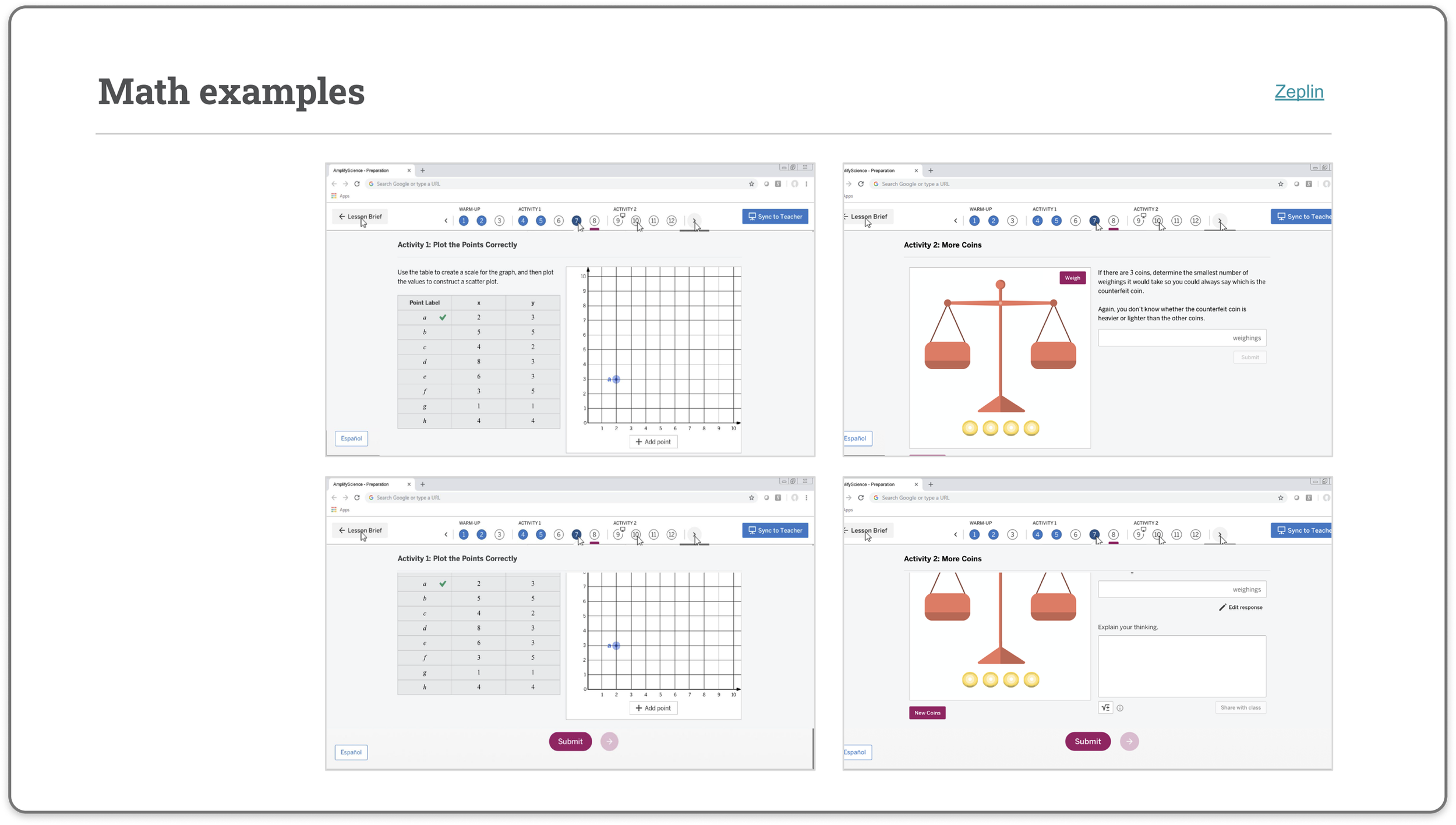
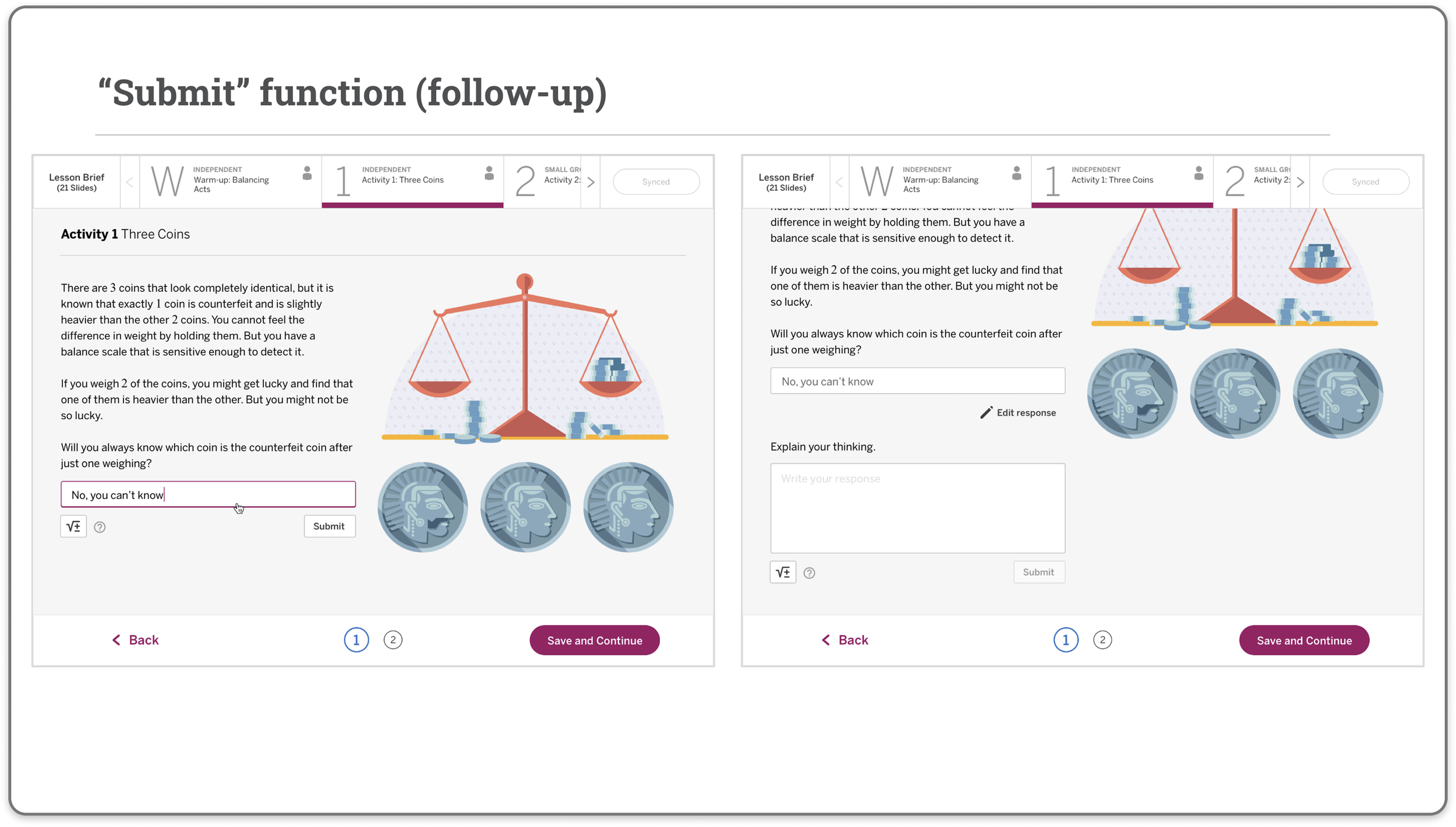
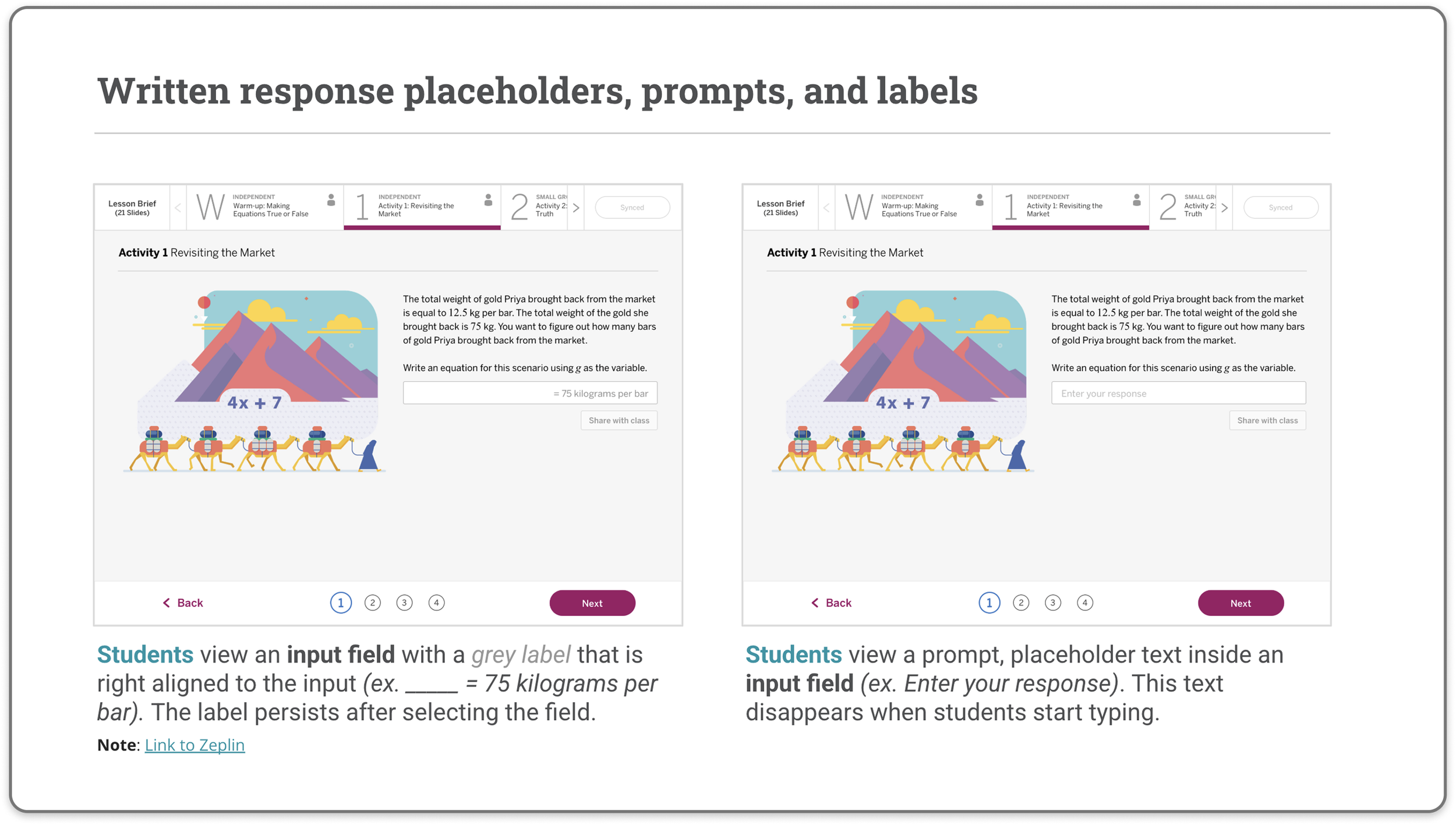
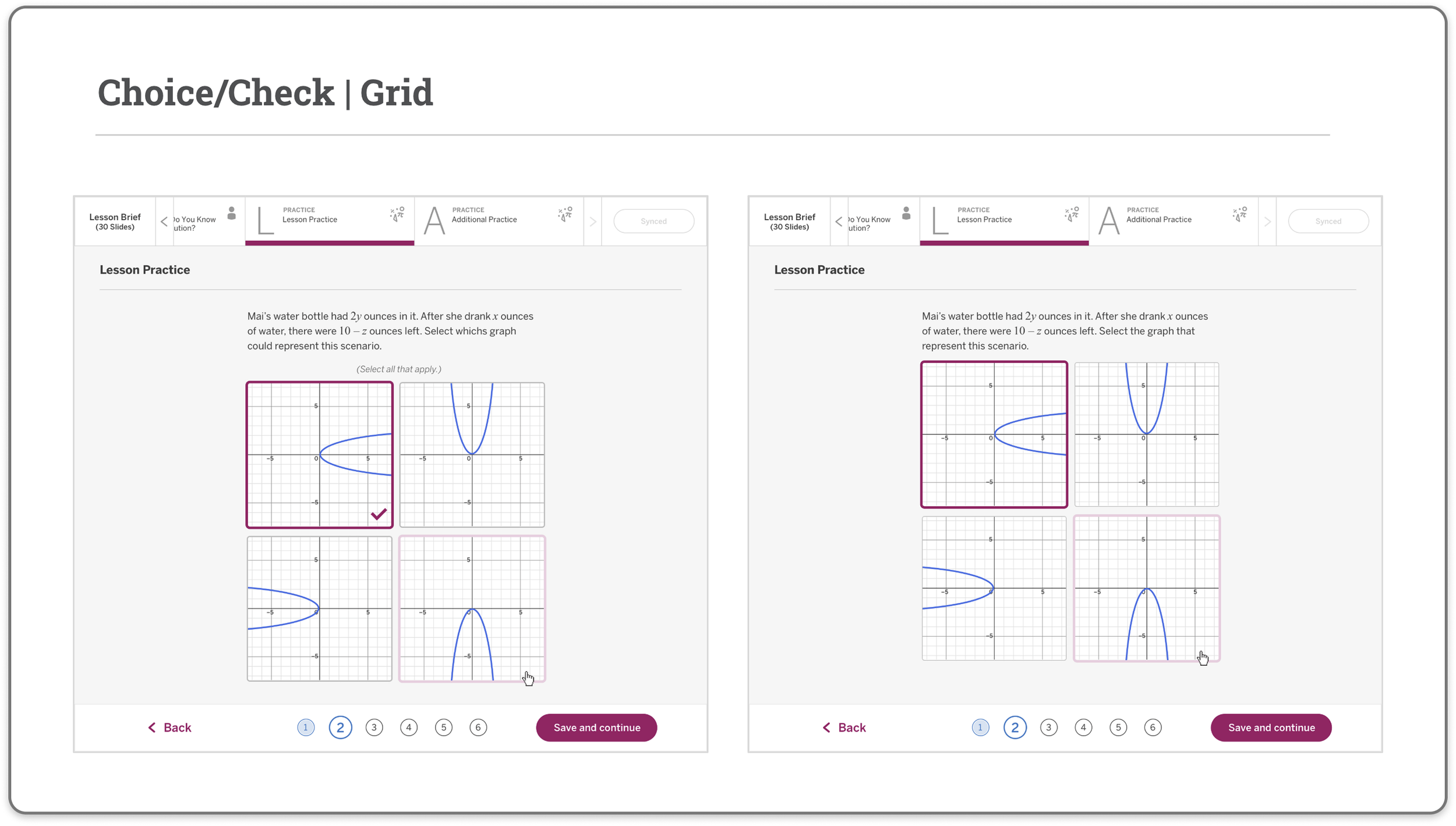
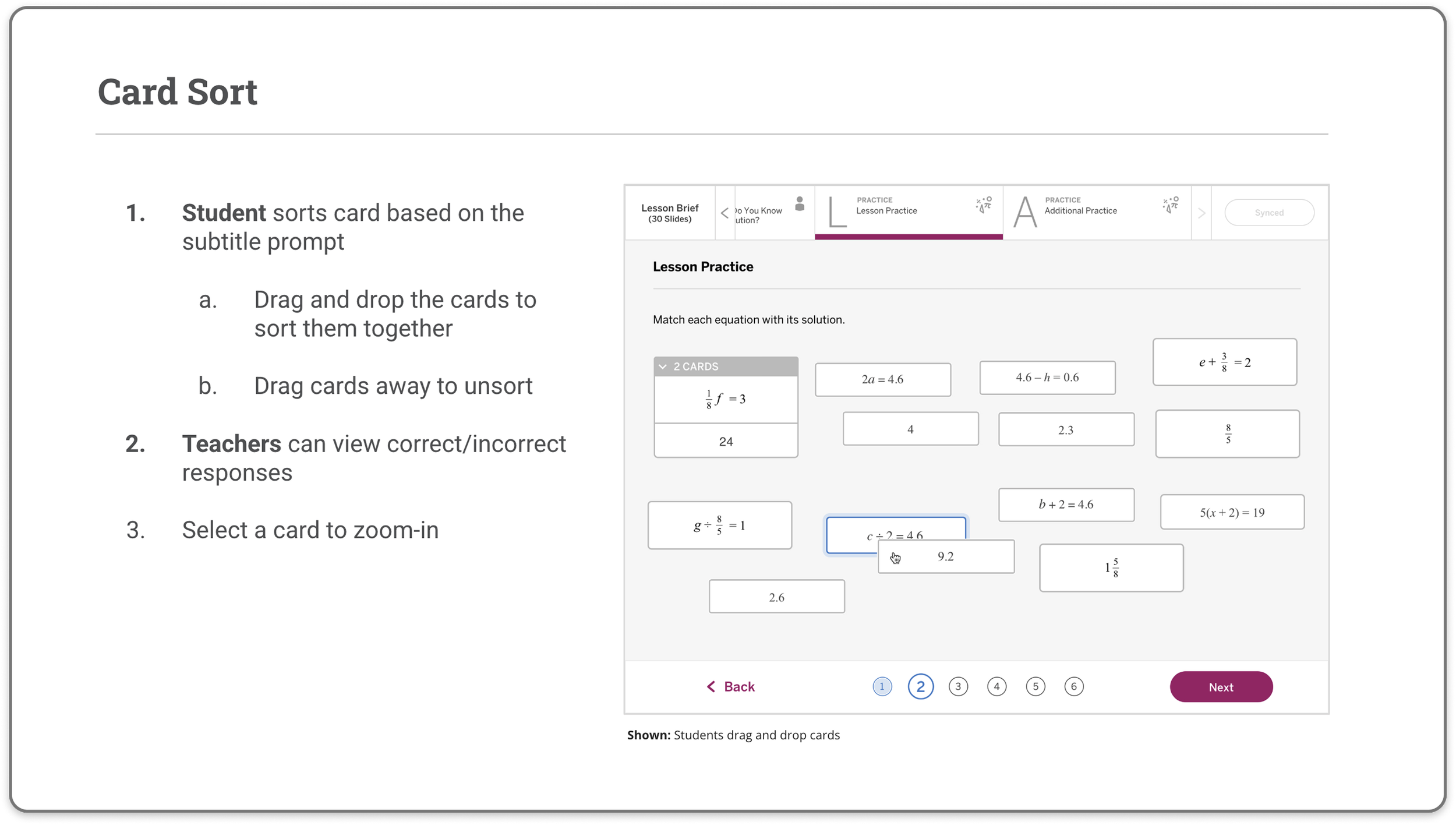
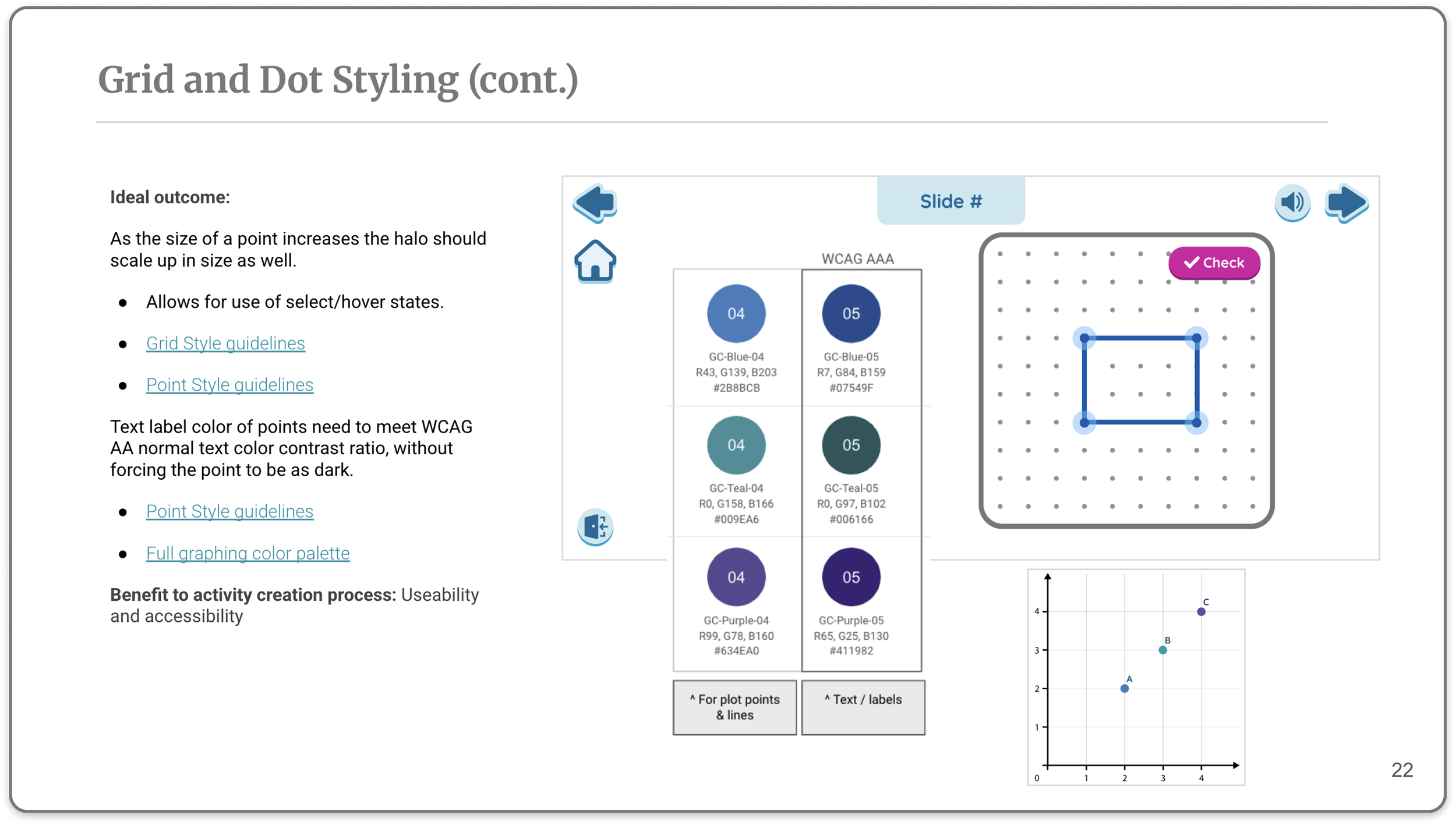
I defined the component style requirements for the Desmos integration — aligning button states, text inputs, math-specific controls, grid and dot styling, icon library, and interaction patterns with the Amplify design system. The explicit goal: consistent UX and clean UI across both platforms, authored once, applied everywhere.
K-5 Digital Design Requirements
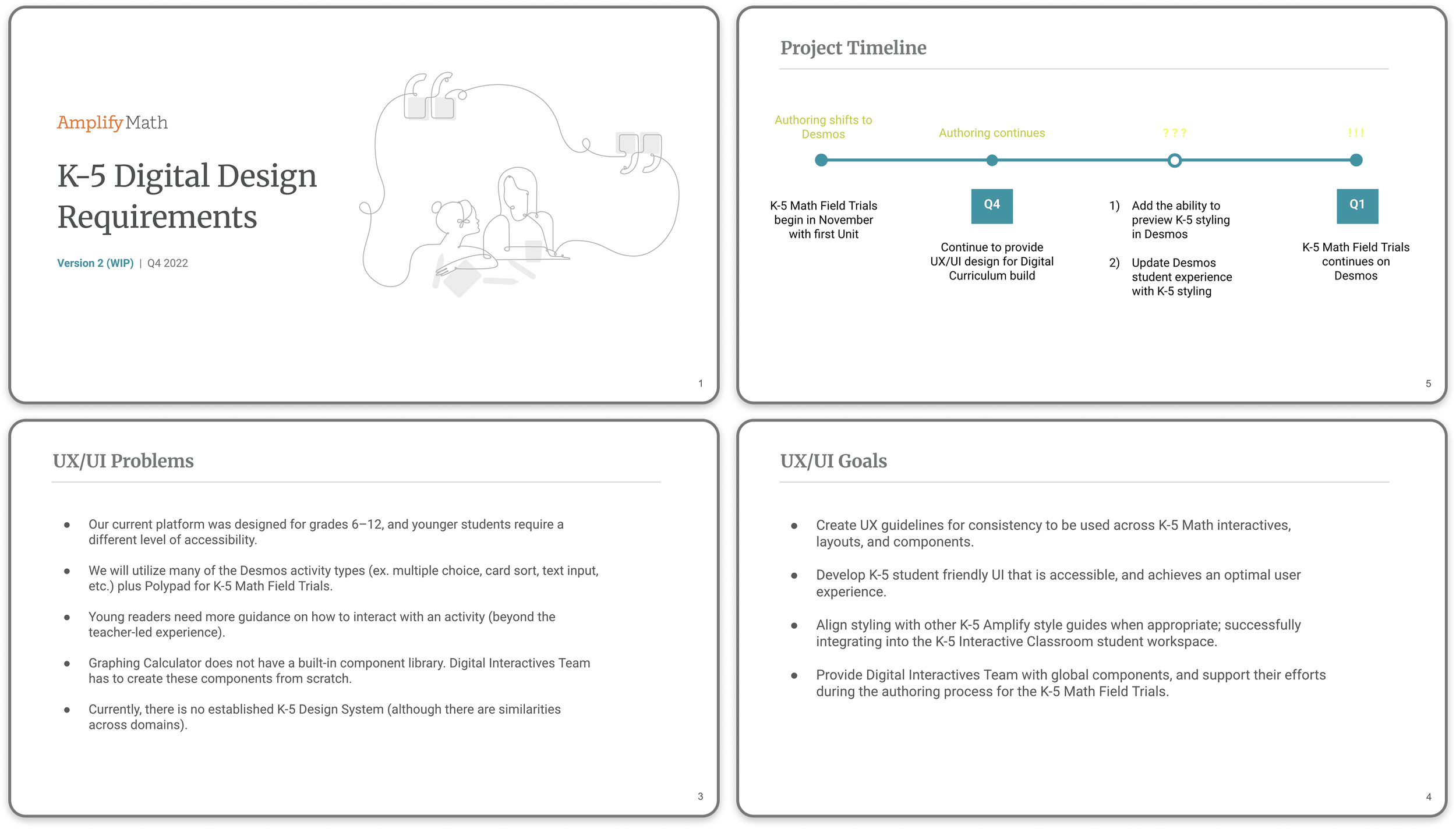
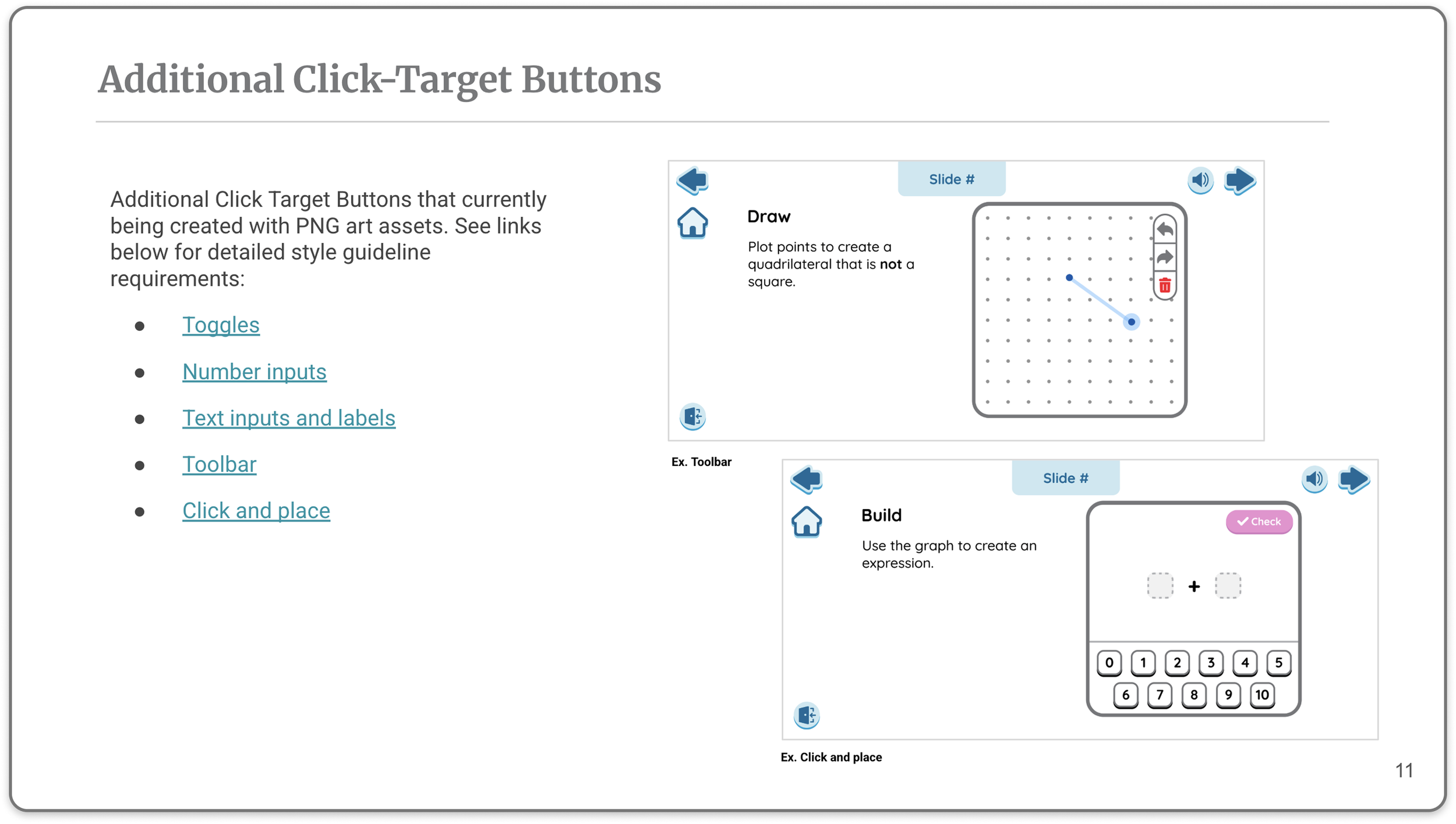
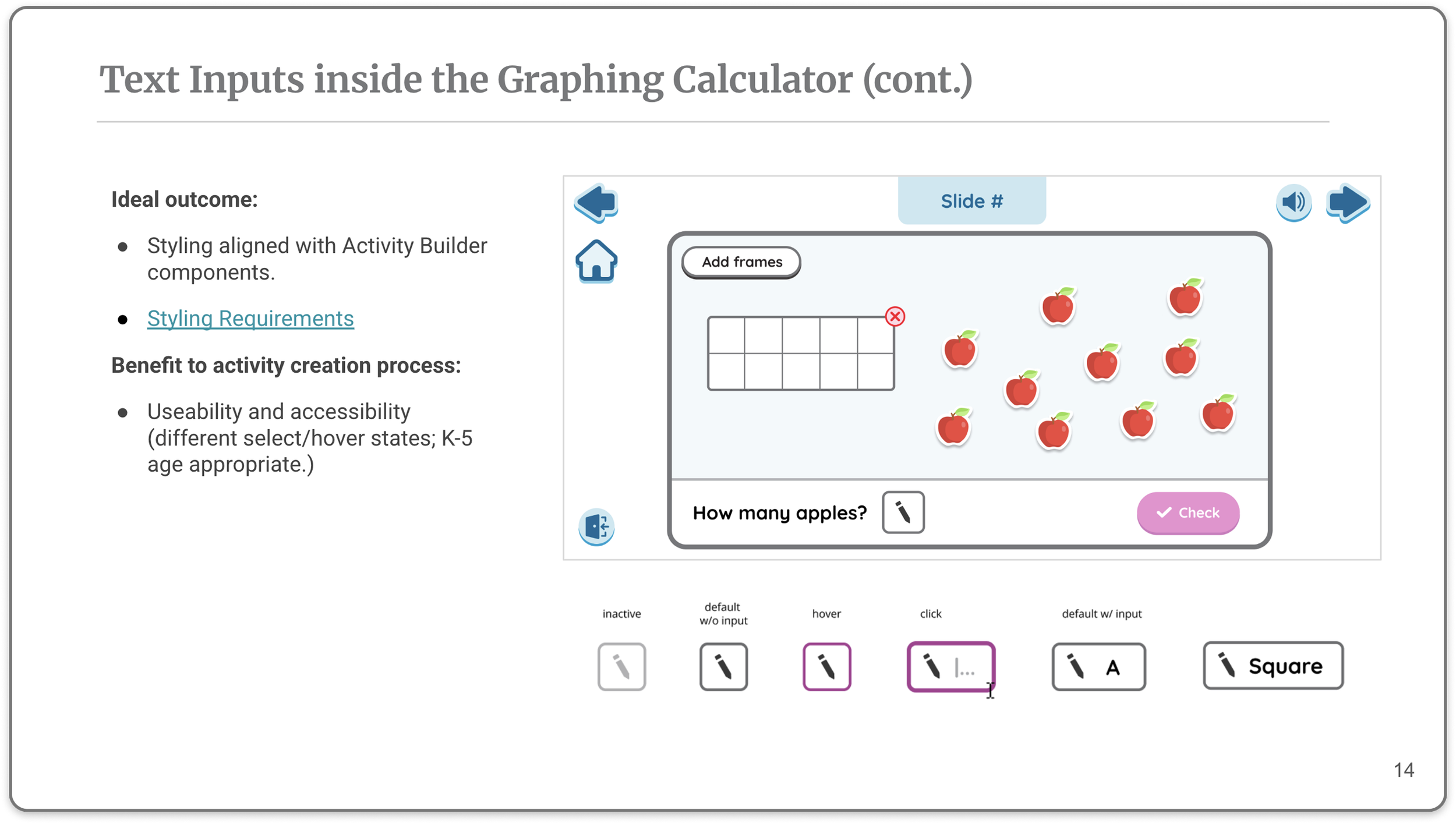
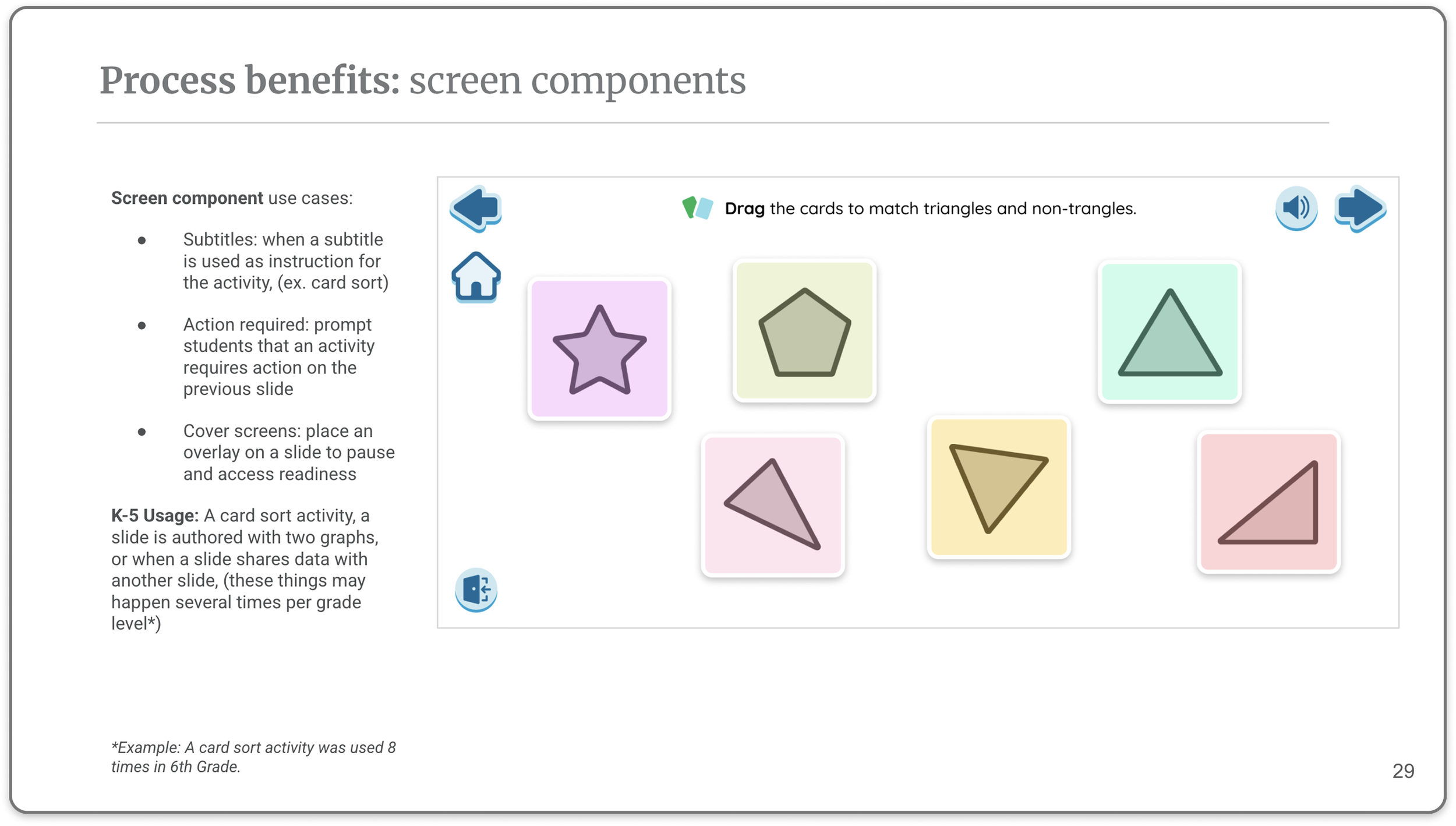
I authored the prioritized design requirements for Desmos Studio component updates needed to support K–5 Math — including high-priority items (primary click target buttons, text input, editable labels, polygon styling) and medium-priority items (additional buttons, grid/dot styling, label and point colors). This gave engineering and the Desmos team a clear, prioritized build list.
Lesson Layout & Structure
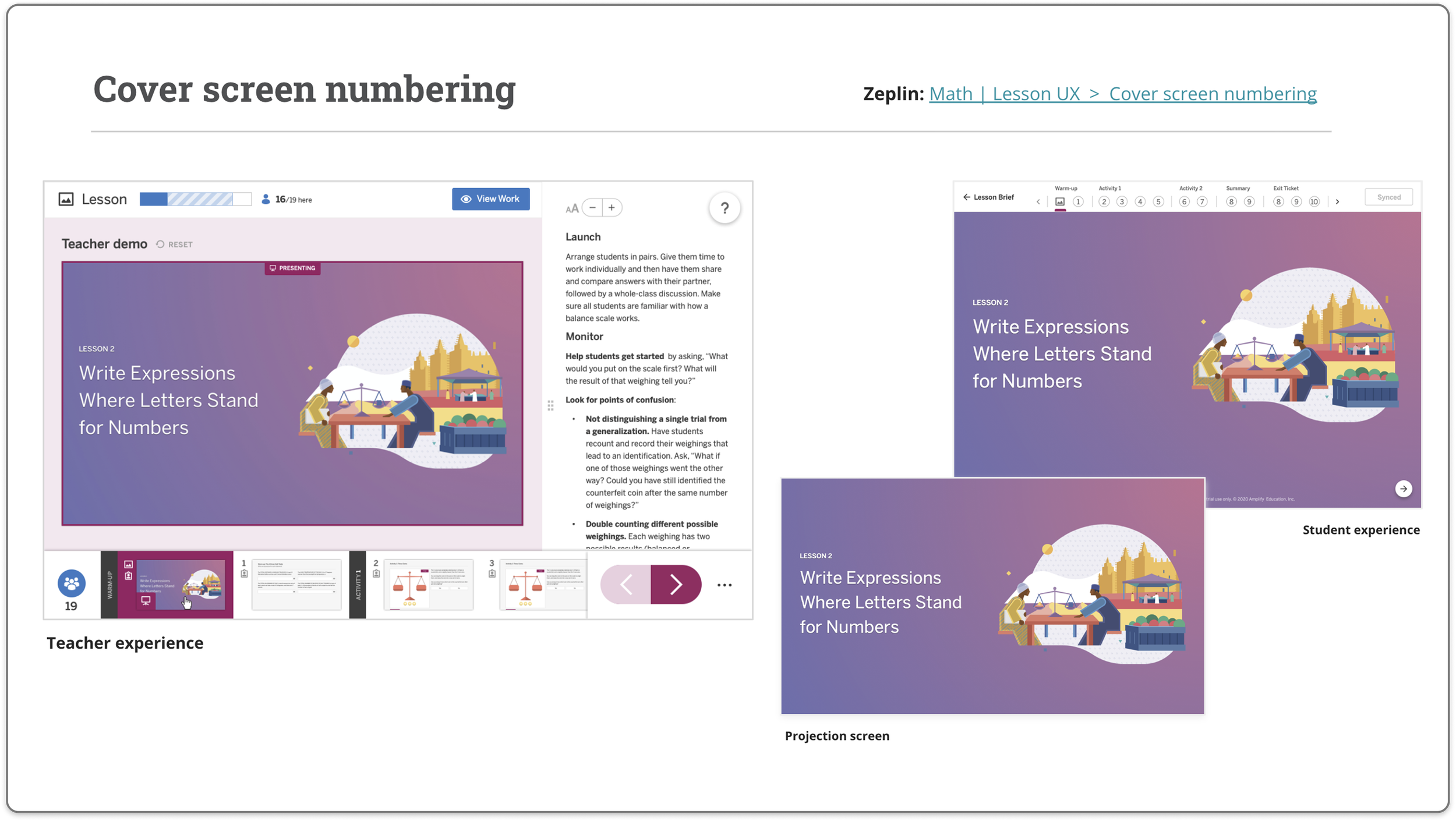
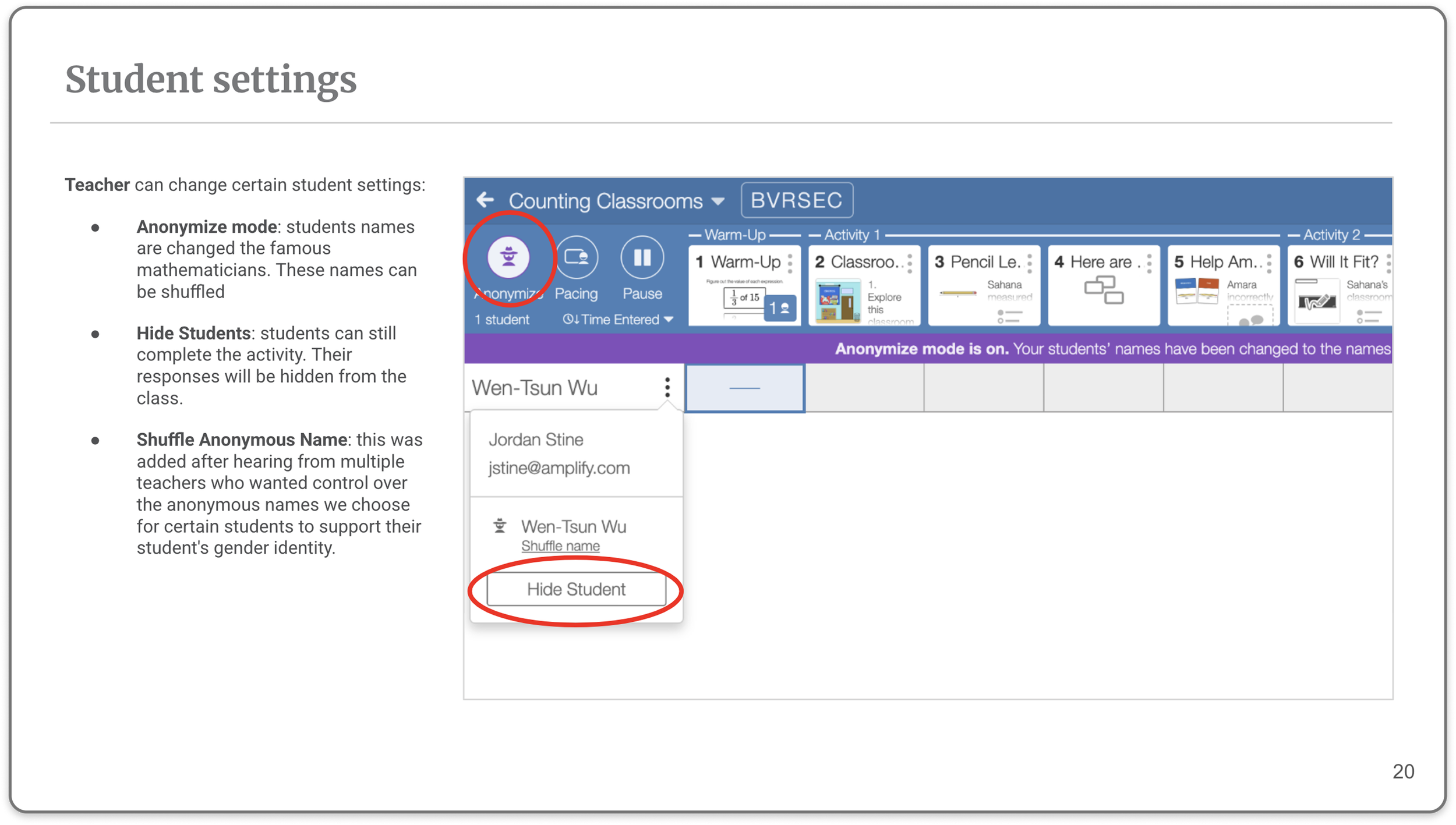
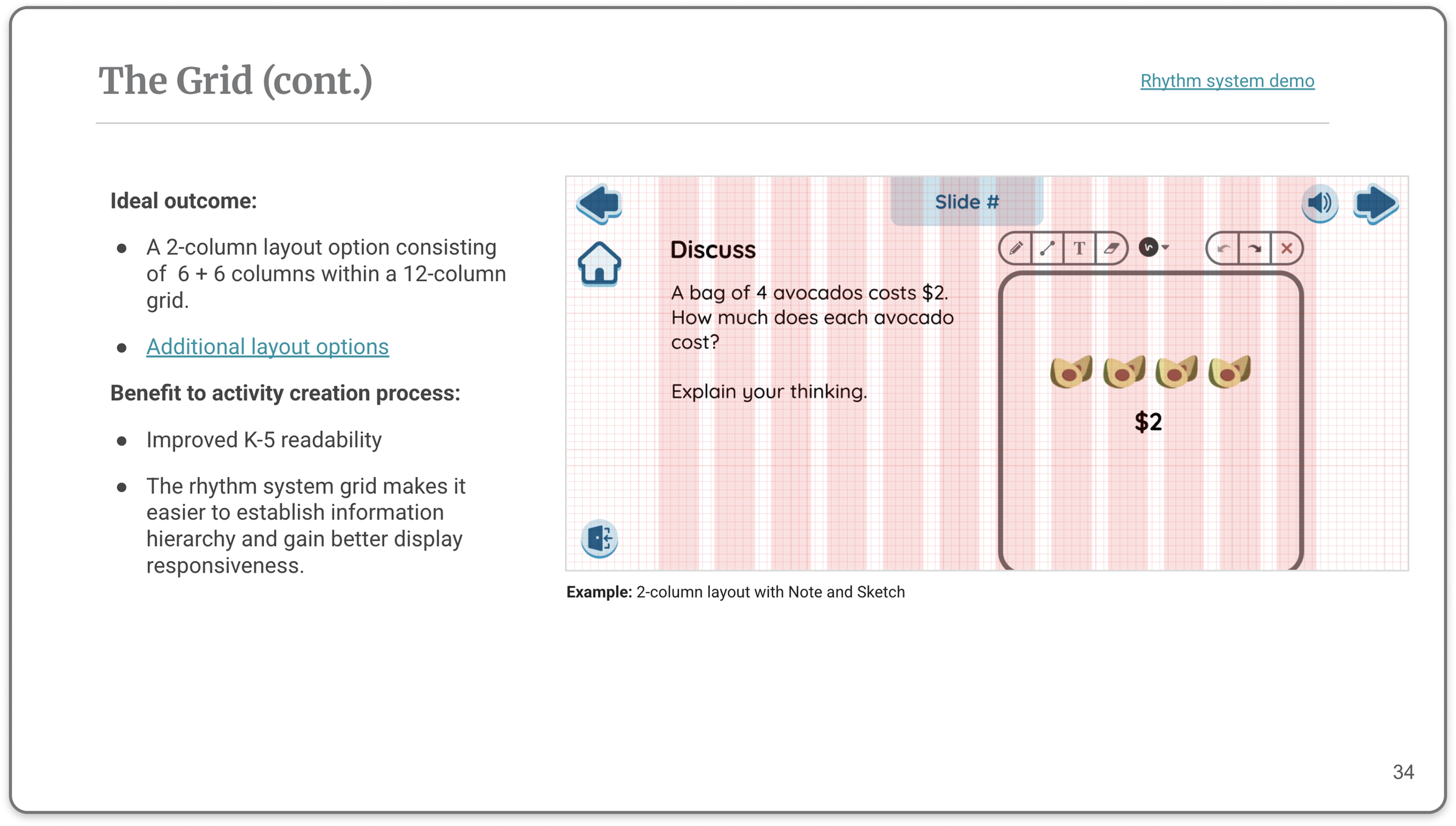
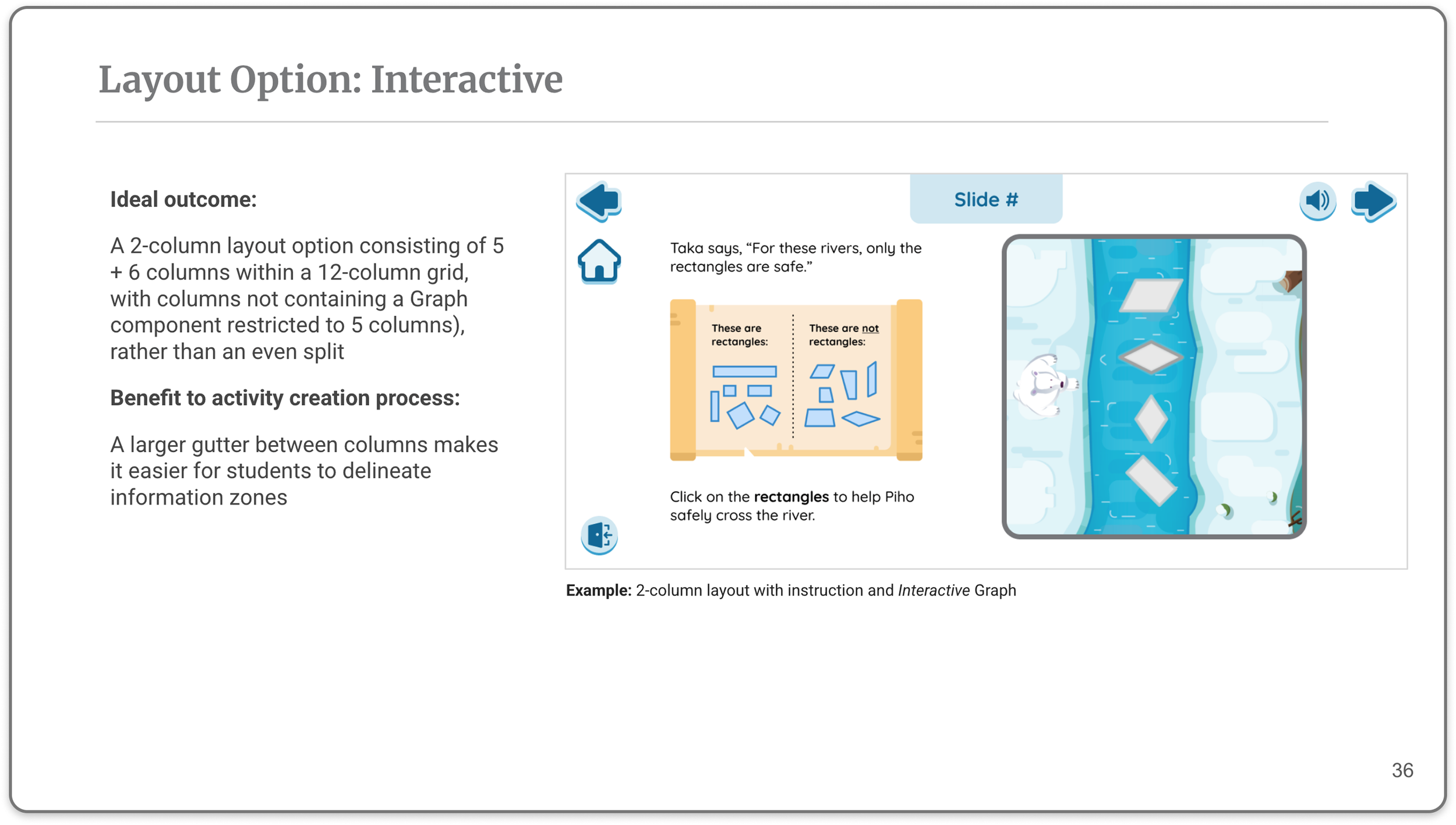
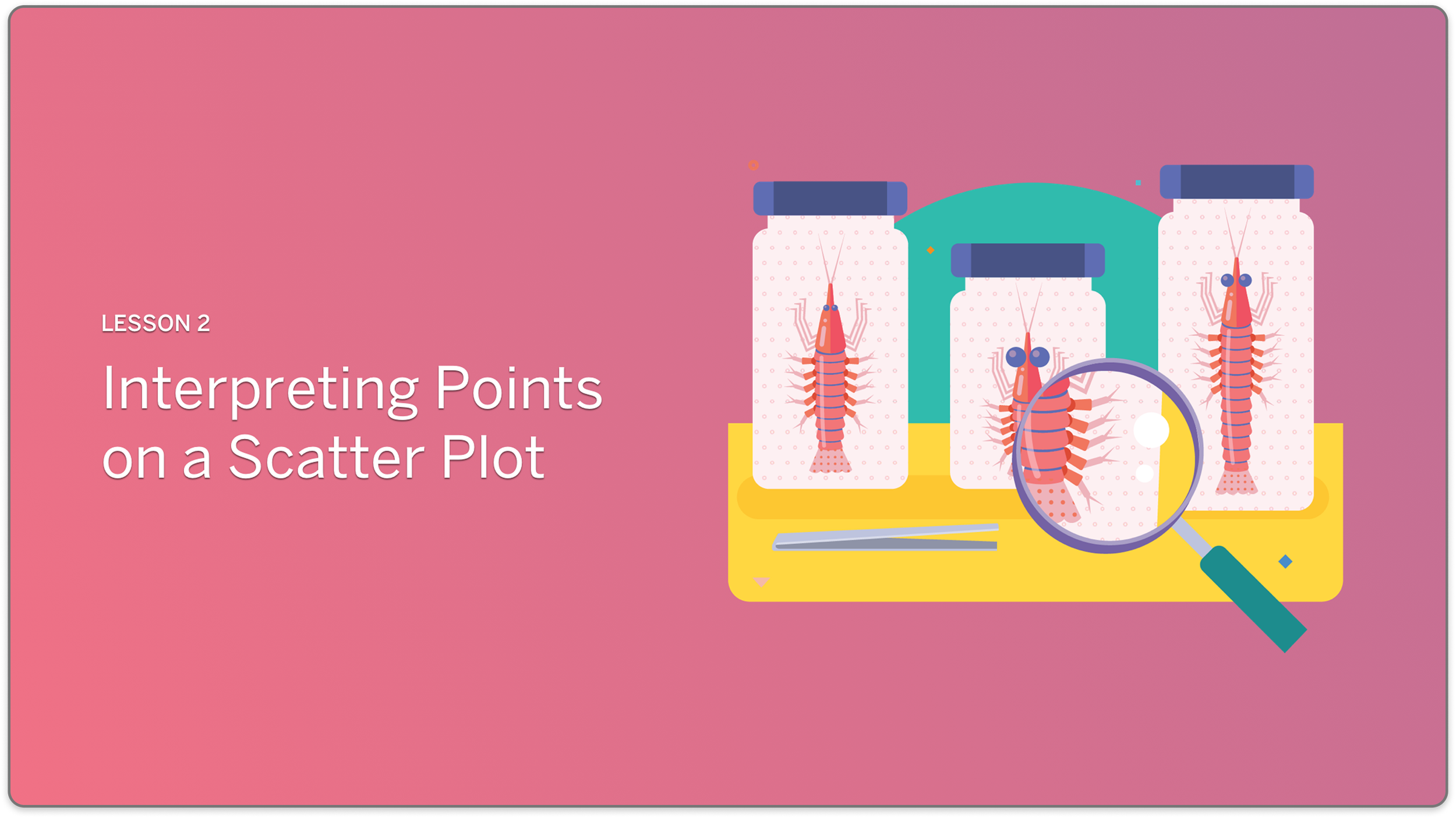
I designed the UX framework for how Desmos-powered lessons would be structured inside the Curriculum App — defining activity and response types, layout guidelines, manipulatives and tech art standards, lesson UX flow, and course navigation. This document became the reference standard for the digital content team building K–5 Math lessons.



Teacher Orchestration & Reporting
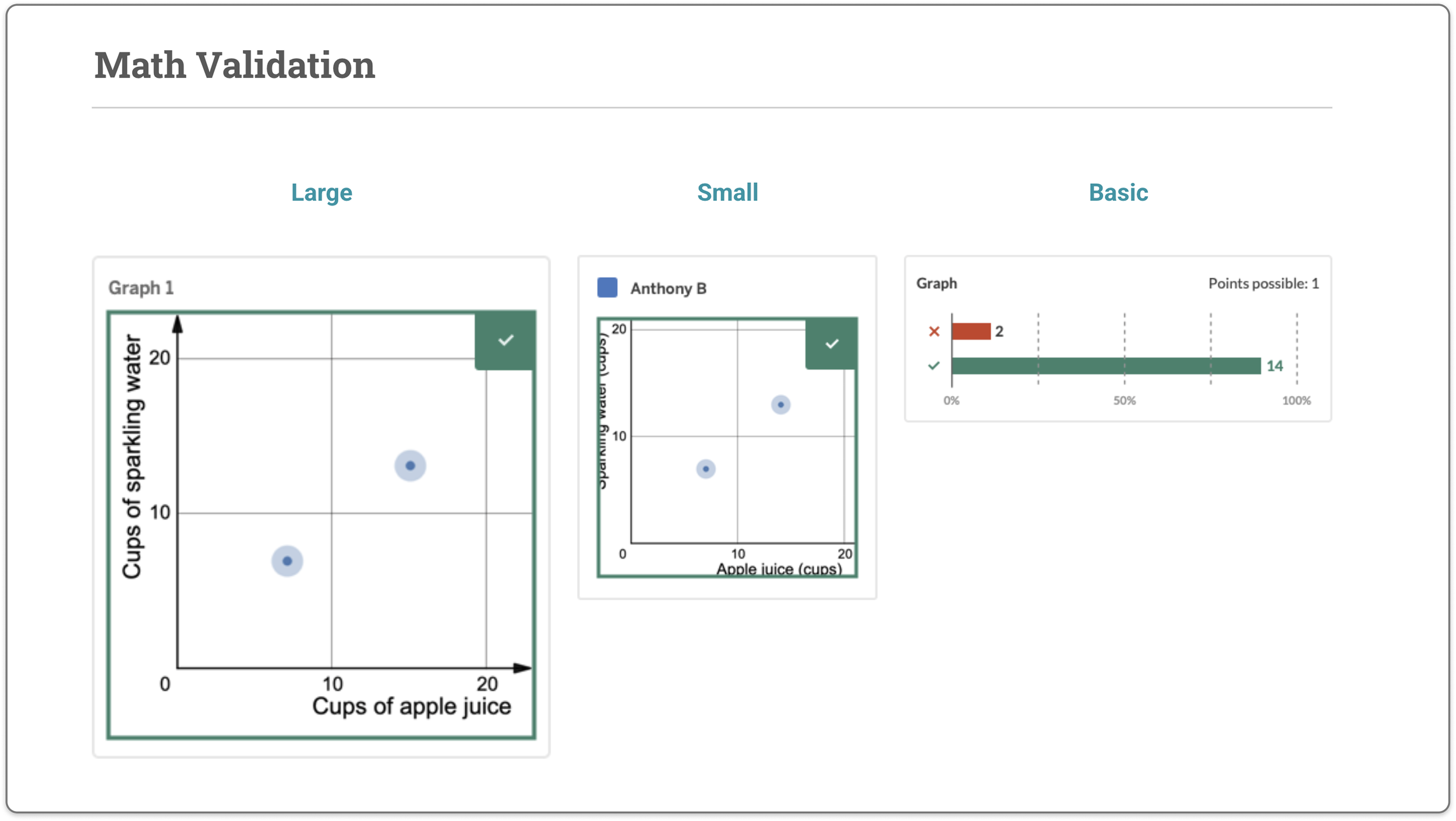
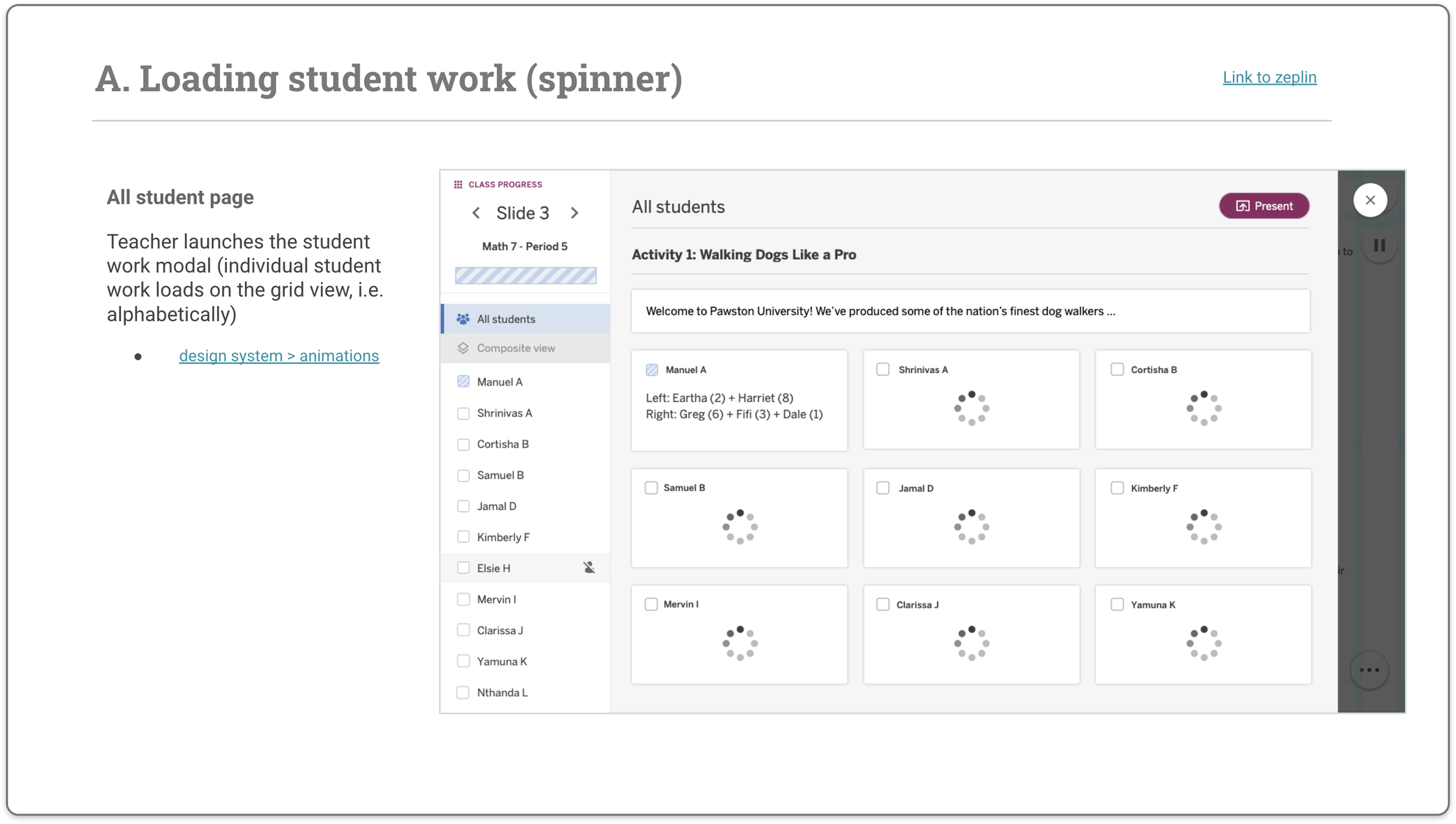
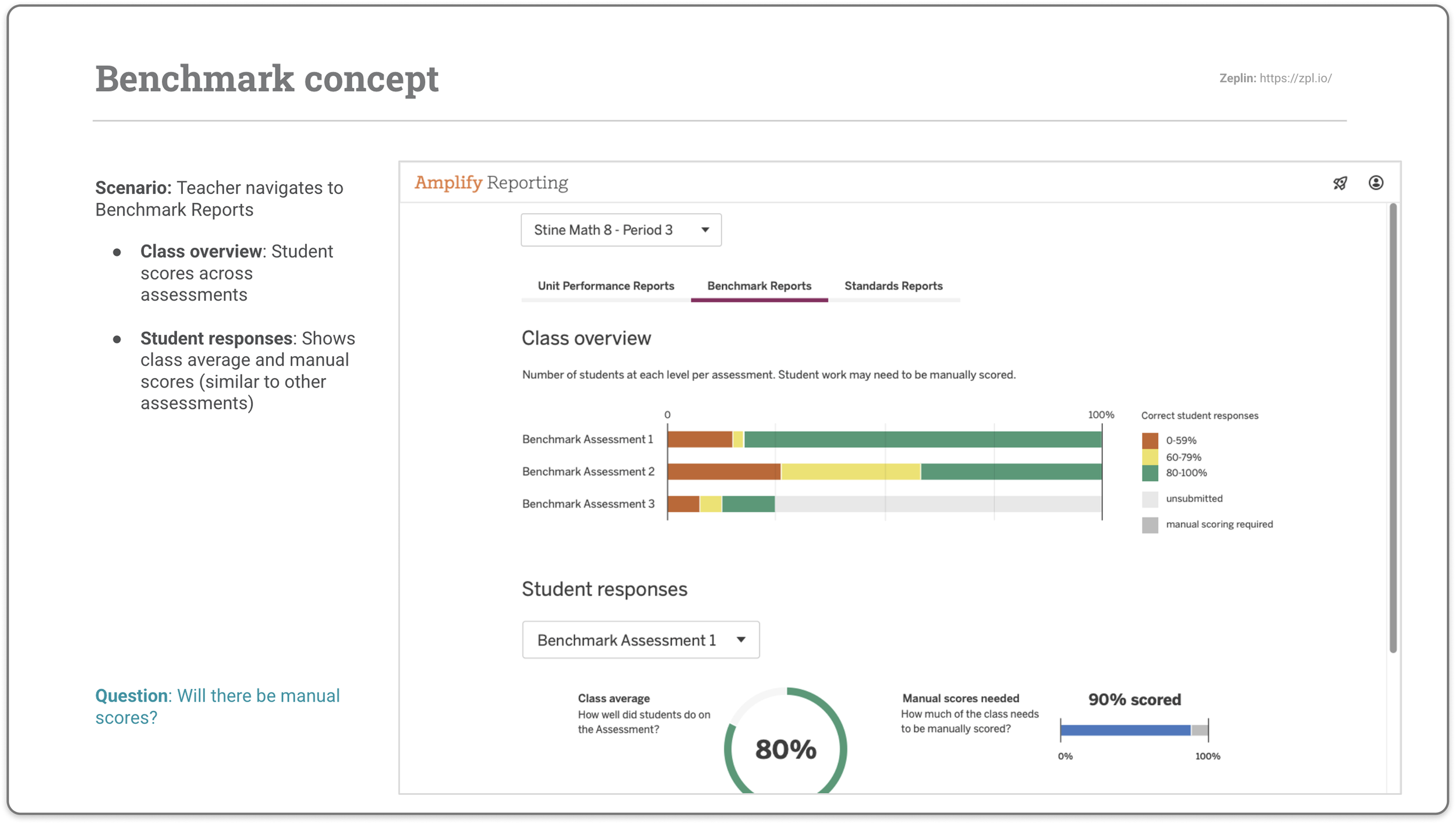
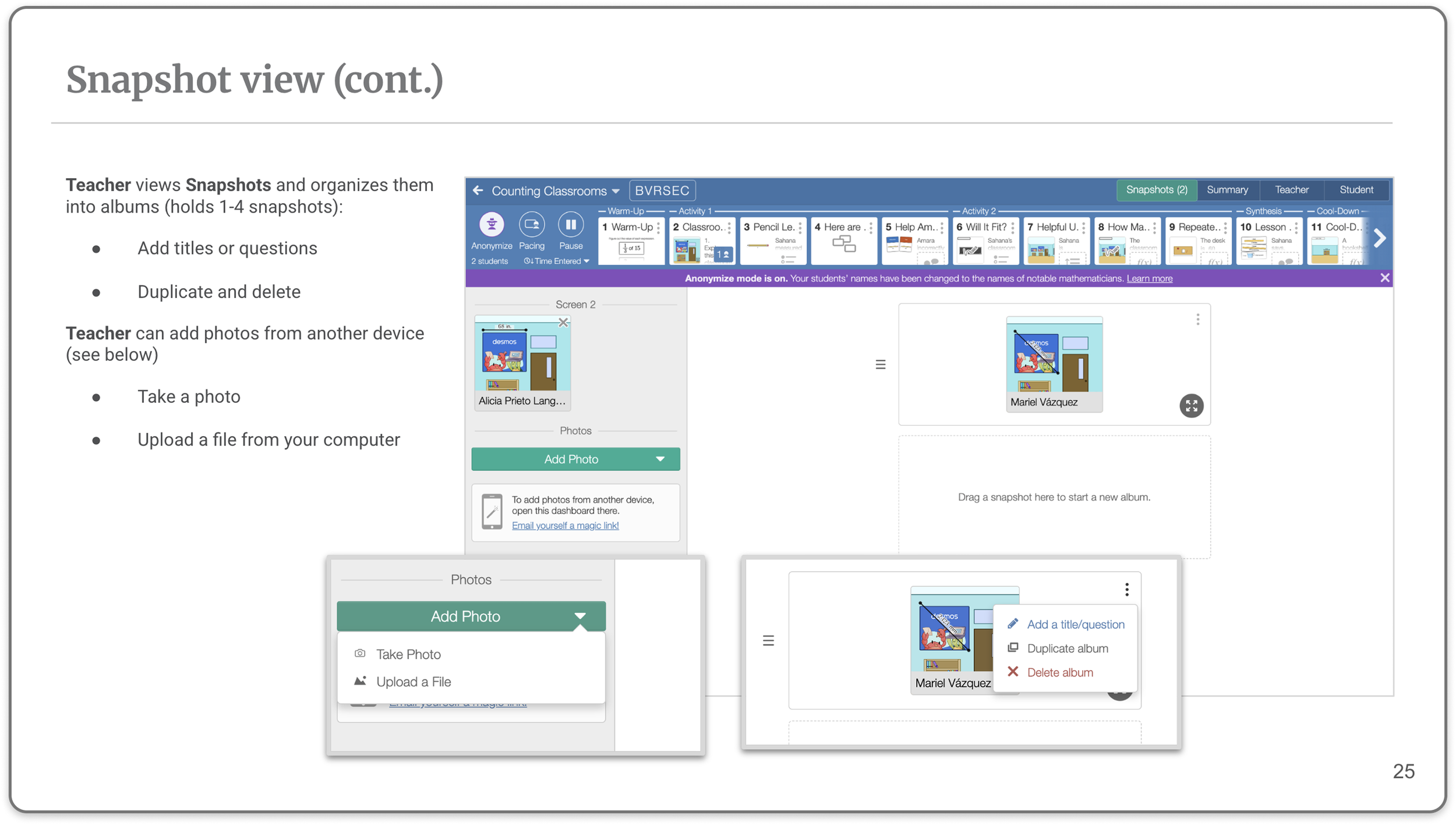
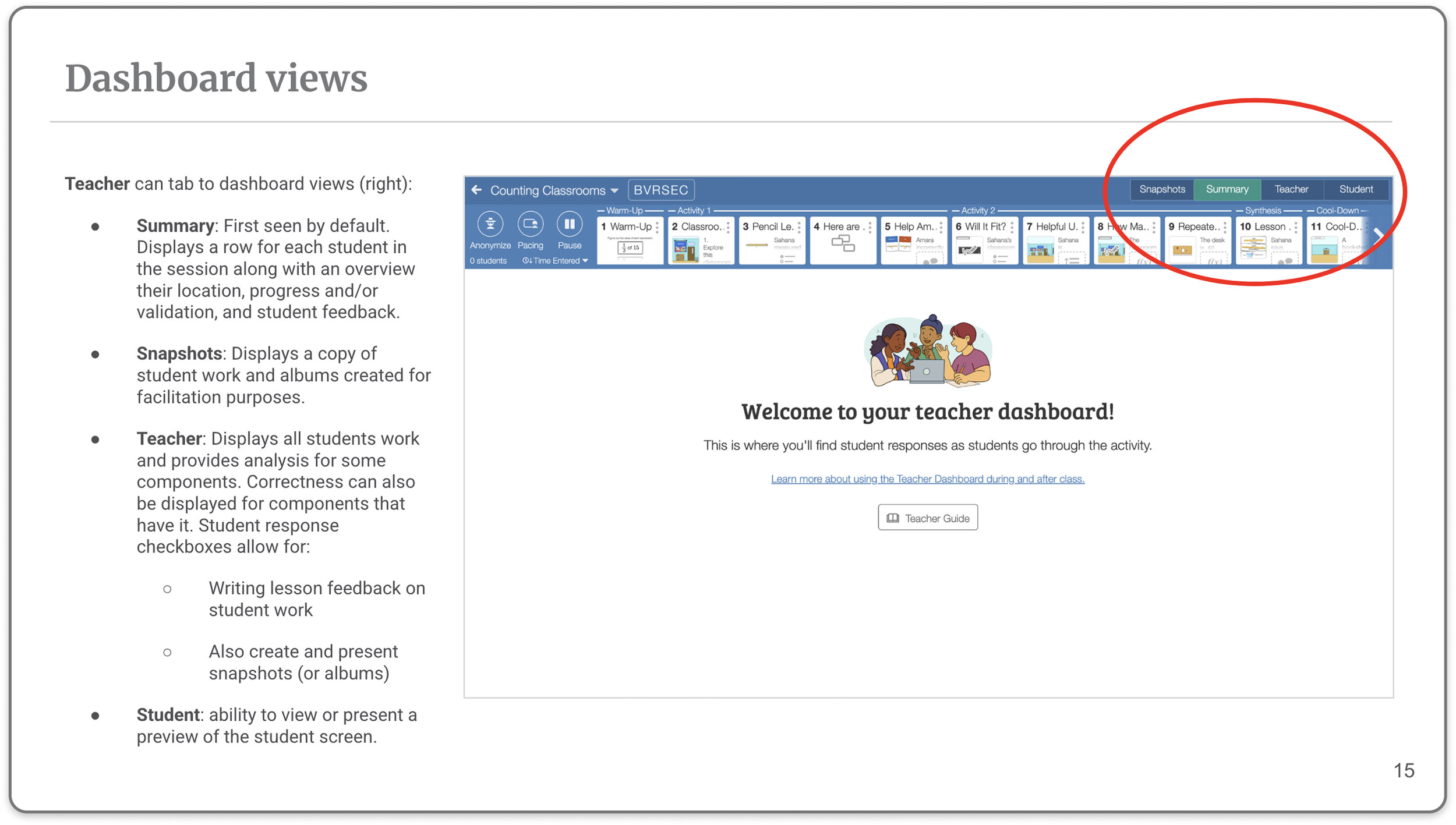
With the integration foundation in place, I designed the teacher-facing orchestration experience — including lesson validation, student work loading, and the pacing and eyes-up controls — as well as the reporting MVP covering standards reporting, item analysis, and benchmark concepts for assessments and practice.